Using Mobile Money Apps Safely
Mobile money and banking apps are safer than many alternatives if you set them up well. Download from official stores, turn on app locks and biometrics, and keep them updated.

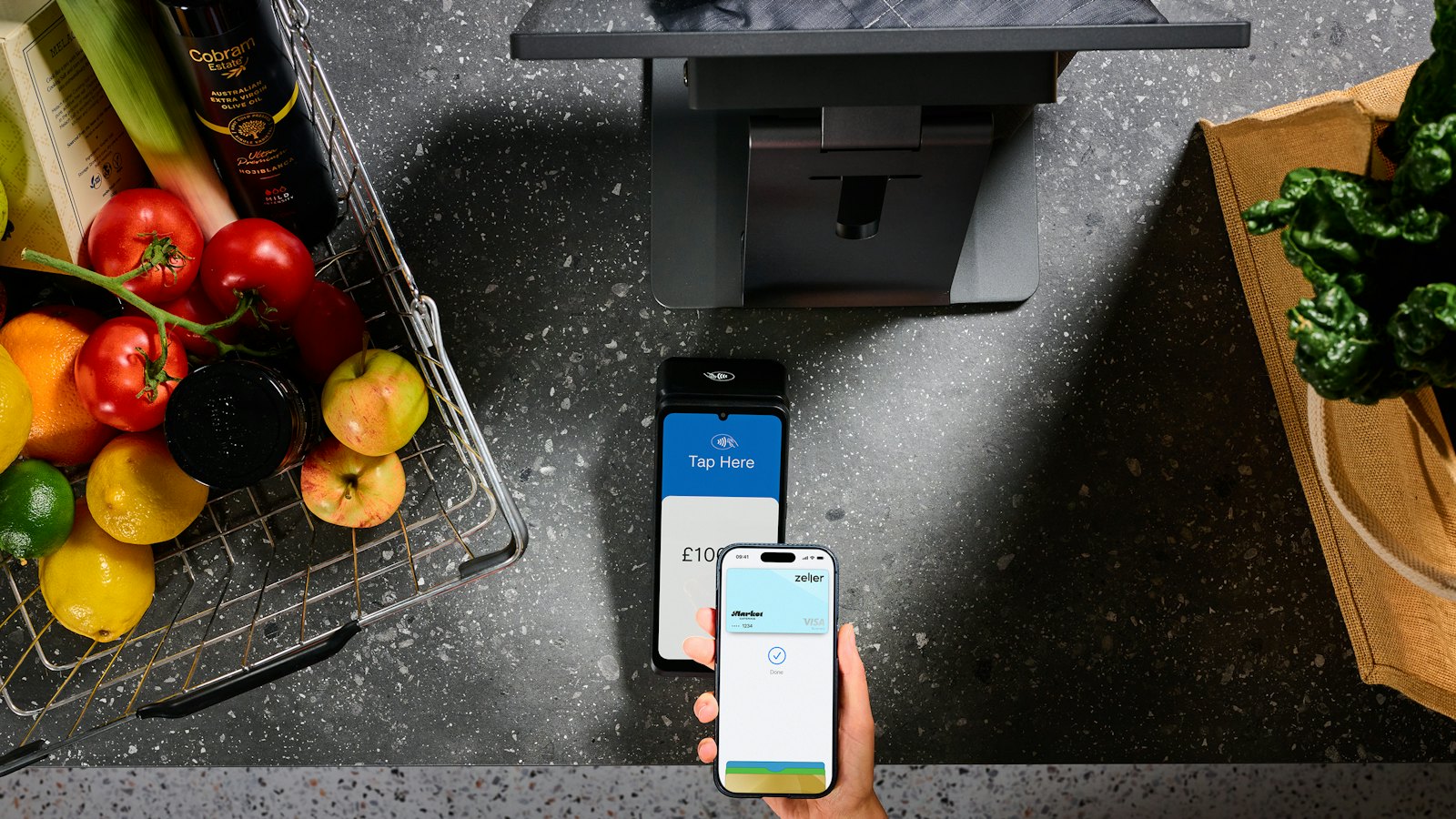
Mobile money and banking apps can be safer than dialled menus: they show more detail, support biometric login and send alerts. That only holds if the app is genuine and set up well.
Setup checklist
- Download from the official app store. Check the developer name matches your provider. See fake banking apps.
- Turn on the app lock: PIN plus fingerprint or face recognition.
- Lock your phone with a screen lock. See phone screen lock.
- Turn on notifications for every transaction.
- Keep the app and phone updated.
Habits that keep you safe
- Never install an "updated" app from a link in a message.
- Do not let anyone use your phone to "help" with a transaction.
- Log out on shared devices.
- Check the recipient name before every payment. See checking recipients.
No provider asks you to install an app sent in a chat, or to install screen-sharing apps. See remote access app scams.
For more, see our guide to mobile money and banking scams.
Frequently asked questions
Where should I download my mobile money app?
Only from your phone's official app store, checking the developer name matches your provider, or from a link on the provider's official website.
Should I turn on fingerprint or face login?
Yes, alongside a strong PIN. It makes it harder for someone who picks up your phone to open the app.
Is it safe to use mobile money apps on public Wi-Fi?
Official apps encrypt their connections, but it is still sensible to avoid financial tasks on unknown networks when you can use mobile data.
Sources
- Mobile Payment Apps: How To Avoid a Scam When You Use One, US Federal Trade Commission
- Malware: How To Protect Against, Detect, and Remove It, US Federal Trade Commission
- Set screen lock on an Android device, Android Help


