Phone Screen Lock and Biometrics
Your screen lock is the first barrier protecting your banking, email and messages. PINs, passwords, patterns, fingerprints and face unlock compared, and how to set a strong lock.

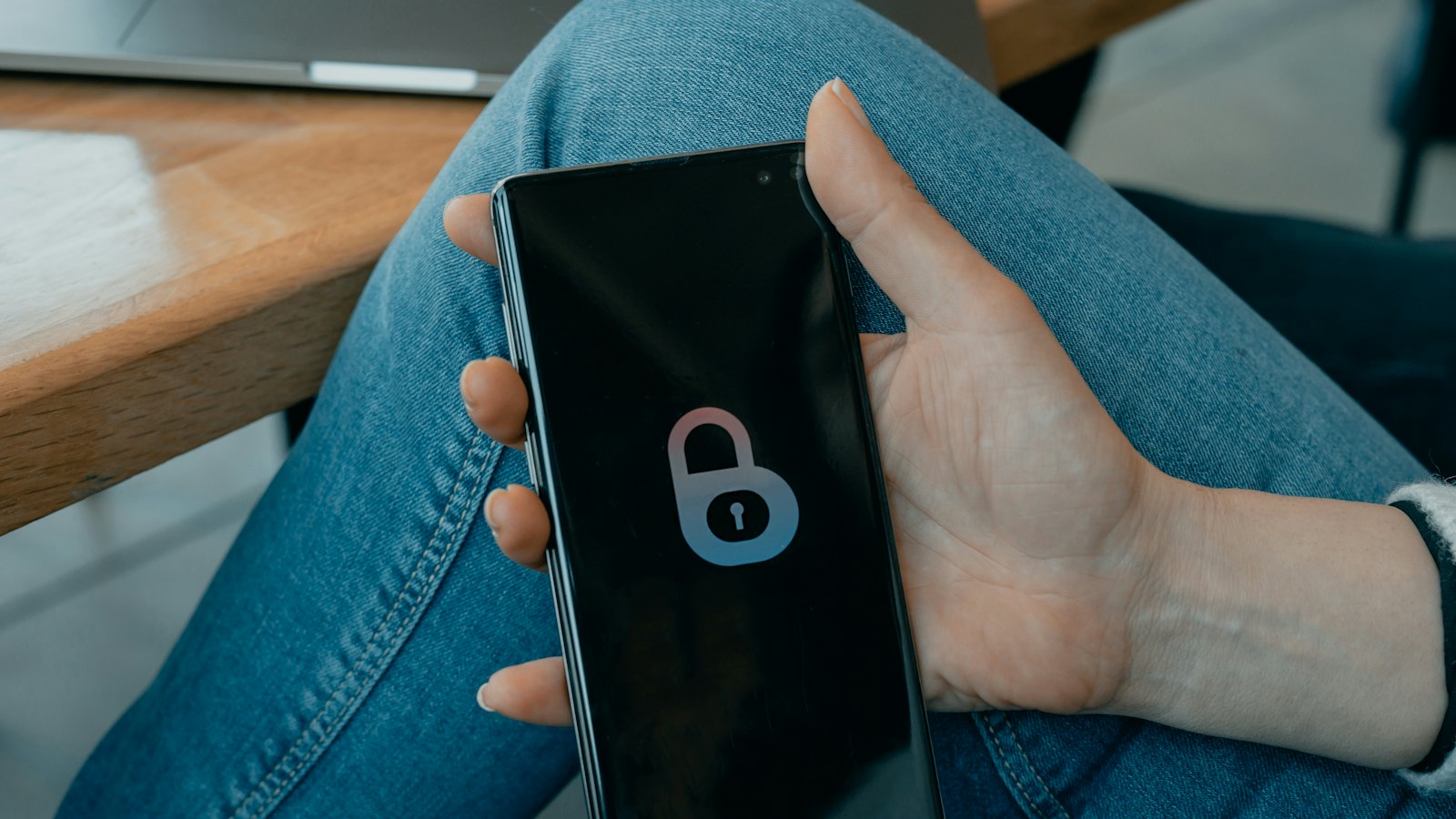
Your phone's screen lock is the first thing standing between a thief, or a nosy acquaintance, and your bank, email, messages and photos. It also protects the passkeys and passwords stored on the device. Choosing a strong lock takes a minute and makes a big difference.
Lock types compared
| Lock | Strength | Notes |
|---|---|---|
| None or swipe | None | Anyone can open your phone. |
| Pattern | Weak | Easy to watch and guess; smudges can reveal it. |
| 4-digit PIN | Weak | Common PINs like 1234 or birth years are guessed quickly. |
| 6+ digit PIN | Good | Much stronger if not obvious. |
| Alphanumeric password | Strongest | Best for people at higher risk. |
| Fingerprint or face | Convenient | Backed by your PIN or password, which is the real strength. |
Recommended setup
- Use a PIN of at least six digits, or an alphanumeric password.
- Avoid birthdays, years, repeated or sequential numbers, and your bank PIN.
- Add fingerprint or face unlock for convenience.
- Set the phone to lock automatically after a short time.
- Hide sensitive notification content on the lock screen.
Shield your PIN in public. Some phone thieves watch people type their PIN before stealing the phone, then use it to get into banking apps and change passwords.
Extra protection for money apps
- Use a separate PIN or biometrics inside banking and mobile money apps.
- Do not store your bank PIN or passwords in notes or photos on the phone.
- Some phones offer extra theft protection features that require biometrics for sensitive changes; turn these on if available.
Also set up
- Find-my-device, so you can lock or erase remotely. See find my device.
- A SIM PIN. See setting a SIM PIN.
- Automatic updates.
Got a message asking you to "confirm your phone PIN"? That is a scam. Paste it into CyberWatch AI Scan for a free check.
For more, read protecting your phone and number in our complete guide.
Frequently asked questions
Is a fingerprint safer than a PIN?
Biometrics are convenient and hard for a stranger to copy, but they are backed by a PIN or password. The strength of that backup PIN still matters most.
How long should my phone PIN be?
Longer is better. Six digits or more is much stronger than four. An alphanumeric password is stronger still.
Are patterns safe?
Patterns are often easy to guess or see over your shoulder, and can leave smudge trails on the screen. A PIN or password is usually stronger.
Sources
- Set screen lock on an Android device, Android Help
- How To Protect Your Phone From Hackers, US Federal Trade Commission
- Device security guidance, UK National Cyber Security Centre


