Setting a SIM PIN
A SIM PIN stops someone using your SIM card in another phone. What it protects, what it does not, and how to set one up on iPhone and Android without locking yourself out.

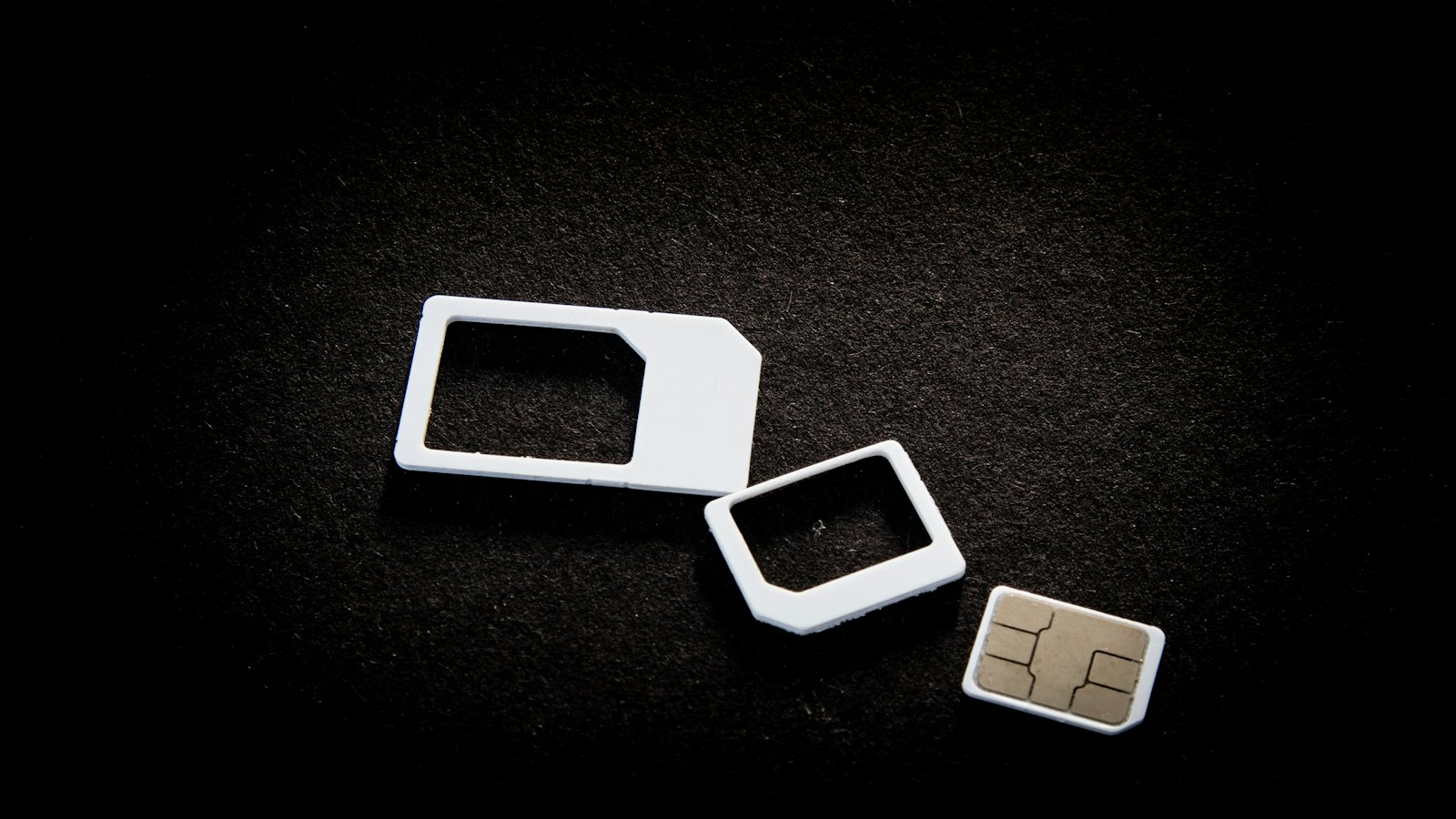
If your phone is stolen, a thief can pop out the SIM card, put it in another phone, and receive your calls and text codes, even if your phone itself is locked. A SIM PIN prevents that. It is a small setting that closes a real gap.
What a SIM PIN protects, and what it does not
| Protects against | Does not protect against |
|---|---|
| A thief moving your SIM to another phone | SIM swap fraud at the network. See SIM swap fraud |
| Someone receiving your text codes from the stolen SIM | Number porting fraud. See porting fraud |
| Calls charged to your account from the stolen SIM | Someone using your unlocked phone |
Before you start
- Find your default SIM PIN. Many SIMs come with a default (often printed on the SIM pack, or available from your network). If you do not know it, ask your network before trying.
- Find your PUK code on the SIM pack or from your network, in case of lockout.
- Choose a new PIN that is not your birthday or phone unlock code.
Do not guess. Several wrong PIN attempts lock the SIM and ask for the PUK. Too many wrong PUK attempts can permanently block the SIM.
How to set it up
iPhone
Go to Settings, then Mobile or Cellular, choose your SIM, and turn on SIM PIN. Enter the current PIN, then change it to your new one.
Android
Go to Settings, then Security (sometimes under "More security settings" or "Other security settings"), then SIM card lock. Turn on "Lock SIM card", enter the current PIN, then change it. Menu names vary by manufacturer.
After setting it
- You will enter the SIM PIN when the phone restarts.
- Store the PIN and PUK in your password manager.
- Combine it with a strong screen lock and network SIM swap protection. See protecting your phone number.
Got a message asking for your SIM PIN or PUK? That is a scam. Paste it into CyberWatch AI Scan for a free check.
For more, read protecting your phone and number in our complete guide.
Frequently asked questions
Is a SIM PIN the same as my phone's screen lock?
No. The screen lock protects the phone. The SIM PIN protects the SIM card, so it cannot be used in another phone without the PIN.
Does a SIM PIN stop SIM swap fraud?
No. A SIM swap moves your number to a new SIM at the network, so your SIM PIN does not help there. Ask your network for SIM swap and porting protection too.
What happens if I enter the wrong SIM PIN?
After a few wrong attempts, the SIM locks and asks for a PUK code. Your network can give you the PUK after verifying your identity. Do not guess repeatedly, because too many wrong PUK entries can permanently block the SIM.
Sources
- How To Protect Your Phone From Hackers, US Federal Trade Commission
- Set screen lock on an Android device, Android Help
- Device security guidance, UK National Cyber Security Centre


