SIM Swap Fraud: When Your Phone Number Becomes Someone Else's Key
Your phone number unlocks your bank, your mobile money and your email. In a SIM swap, a fraudster takes it over. Here is how the attack works, the warning signs and how to protect yourself and your staff.

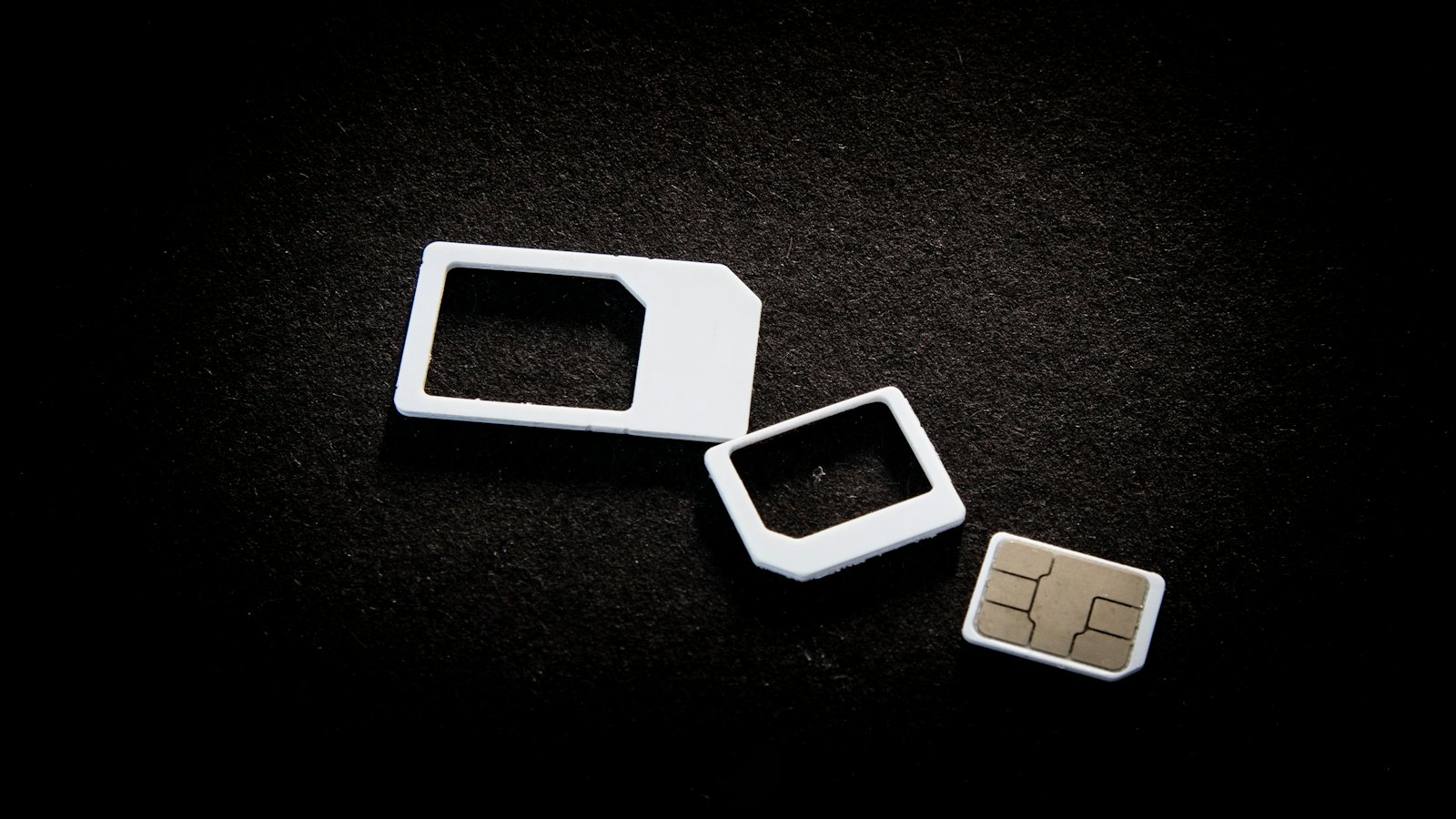
Think about how many things your phone number can unlock. Password resets for your email. One-time codes from your bank. Your mobile money wallet. For many people it has quietly become the master key to their financial life, and a SIM swap is how criminals steal that key.
How a SIM swap works
The fraudster persuades your mobile network to move your number onto a SIM card they control. They may impersonate you at a shop or on a call using personal details gathered from social media, data leaks or an earlier phishing message. In some cases they have help from someone inside.
The moment the swap goes through, your phone loses service and theirs starts receiving your calls and texts. They then request password resets and one-time codes for your accounts, and every code goes straight to them. Because the codes are genuine, the bank or wallet sees nothing unusual.
The key warning sign: your phone suddenly shows "No service" or "SOS only" in a place where it normally works, and it does not come back after a restart. Act on it immediately, from another phone.
Other signs to watch for
- A text or call from your network about a SIM change or upgrade you did not ask for
- Notifications that you cannot sign in to your email or banking app
- Password reset messages you did not request
- Friends saying they received strange messages or calls "from you"
What to do if you suspect a SIM swap
- Call your mobile network from another phone and ask them to check for a SIM change and block your number.
- Call your bank and mobile money provider to freeze your accounts and stop transfers.
- Change your email password from a trusted device, because email is usually how attackers reset everything else.
- Report it to the police and keep a record of every call you make.
How to make yourself a harder target
- Ask your network about extra protection, such as a PIN or password required before any SIM change on your account.
- Use an authenticator app or security key for important accounts instead of text-message codes wherever possible. Codes in an app stay on your device even if your number is stolen.
- Share less personal information online. Your date of birth, address and phone number are the raw material for impersonating you.
- Never share one-time codes with anyone who calls or messages you, whoever they say they are.
- Set a PIN on your SIM card itself, so a stolen phone cannot simply be used to receive your codes.
For organizations: staff who approve payments or manage systems often use their personal numbers for work sign-ins. Moving those accounts to app-based or key-based authentication closes one of the easiest routes into the business.
Keeping your team aware
A SIM swap is fast, and the first hour decides how much is lost. Employees who know the warning signs act in minutes rather than hours. CyberWatch AI's short training lessons cover account takeover techniques like this one, and every employee can check and report a suspicious message to their security team in one step.


