Find My Device: Setting Up Before You Need It
Find-my-device services let you locate, lock and erase a lost phone, but only if you set them up first. How to turn them on for Android and iPhone and how to use them when needed.

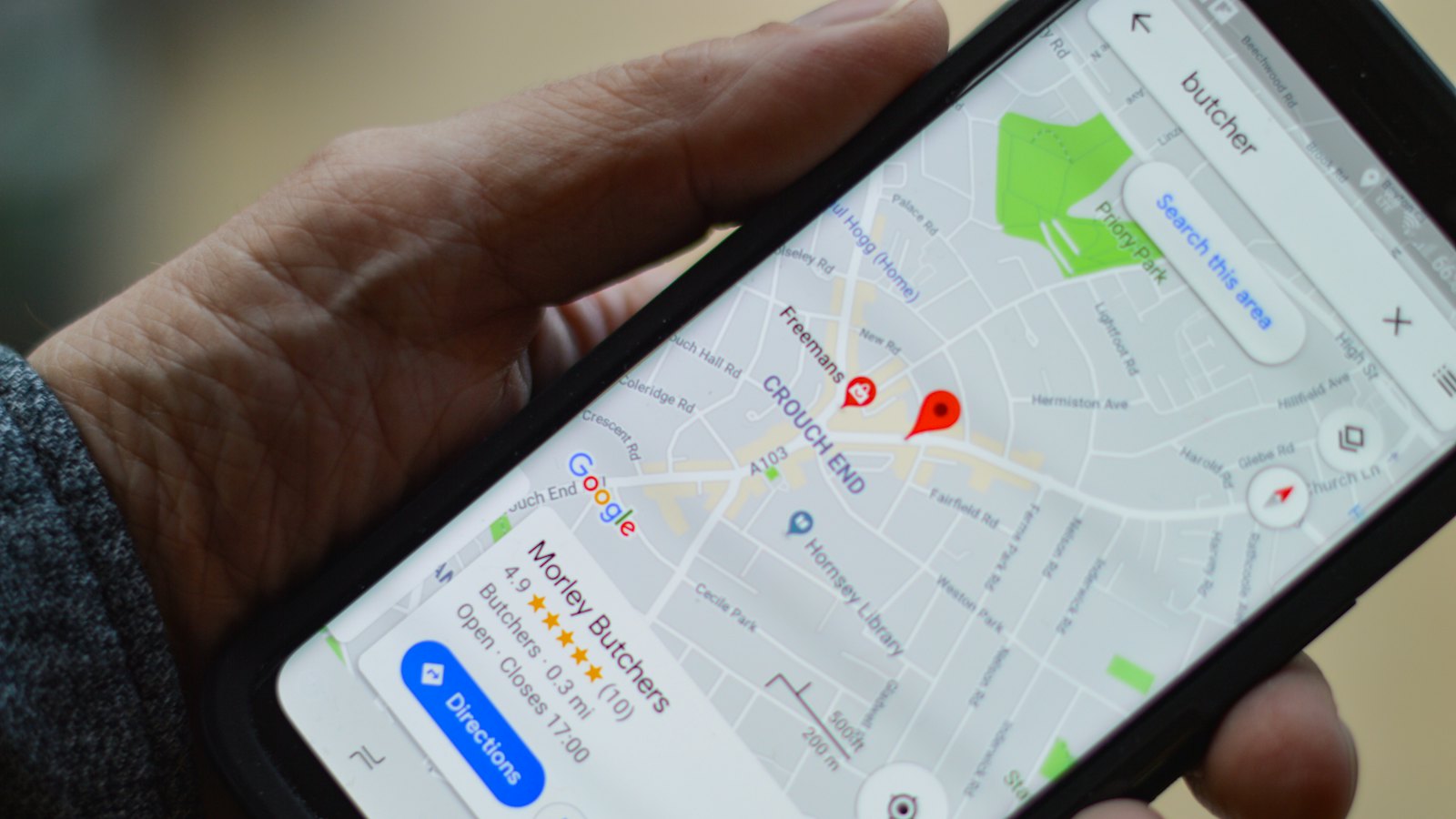
Find-my-device services let you see where a lost phone is, make it ring, lock it with a message, or erase it completely. They are built into Android and iPhone, and they are free. But they only work if they were switched on before the phone went missing. Take two minutes now.
What these services can do
- Locate the phone on a map.
- Play a sound, even if the phone is on silent.
- Lock the phone and show a message with a contact number.
- Erase the phone to protect your data if it will not be recovered.
How to turn it on
Android
Open Settings, then Security (or Google, then Find My Device or Find Hub), and make sure it is on. Location should also be on. You can then use Google's find-my-device service from another device or a browser.
iPhone
Open Settings, tap your name, then Find My, then Find My iPhone, and turn it on. Also turn on "Send Last Location". You can then use the Find My app on another Apple device or iCloud in a browser.
Menu names change between versions. If you cannot find the setting, search your phone's settings for "find".
Test it today. Sign in from a computer or another device and make your phone ring. You will know it works, and you will know how to use it under stress.
When your phone is lost or stolen
- From another device, sign in to your phone's find-my-device service.
- If it is nearby, play a sound.
- If it may be stolen, lock it and add a message with a contact number.
- Call your network to block the SIM and your bank to secure your accounts. See protecting your accounts after a stolen phone.
- If it will not be recovered, erase it.
- Give any location to the police rather than confronting anyone.
Protect the account behind it
Your phone's cloud account controls find-my-device, backups and passkeys. Give it a strong unique password and two-step verification, and never sign in through links in messages about a "found" phone.
Got a message saying your lost phone was found? Paste it into CyberWatch AI Scan for a free check before you click.
For more, read protecting your phone and number in our complete guide.
Frequently asked questions
Does find-my-device work if the phone is off?
Some newer phones can still be located for a period when off or offline. Otherwise you will see the last known location, and lock or erase commands apply when the phone reconnects.
Should I try to get my phone back myself?
No. If a stolen phone shows a location, give it to the police rather than confronting anyone.
What is a scam I should watch for after losing my phone?
Messages or emails claiming your phone was found, with a link to sign in. These are designed to steal your cloud account password so thieves can unlock the phone.
Sources
- Find, secure, or erase a lost Android device, Android Help
- Use Find My to locate your lost Apple device or AirTag, Apple Support
- How To Protect Your Phone From Hackers, US Federal Trade Commission


