Lost or Stolen Phone: Protecting Your Accounts
Your phone has been lost or stolen. What to do in the first hour to protect your bank, mobile money, email and social accounts: remote lock, SIM block, password changes and alerts.

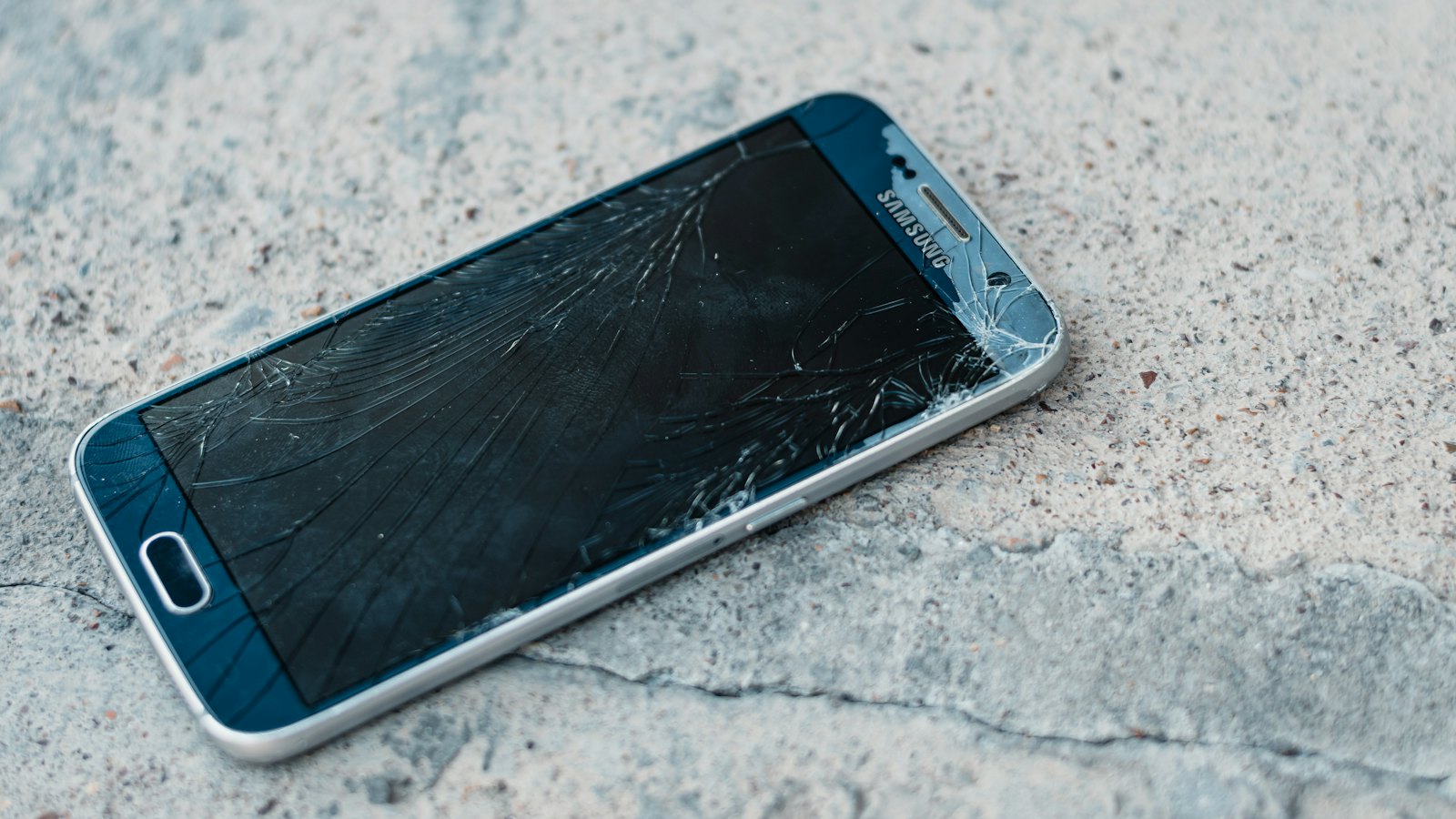
A stolen phone is more than a lost gadget. It may hold your banking and mobile money apps, your email, your messages, your photos and your two-step verification codes. Thieves increasingly target phones to get at these accounts, sometimes after watching you type your PIN. Speed matters. Here is what to do, in order.
In the first 30 minutes
- Borrow a phone or use a computer.
- Call your mobile network and ask them to block the SIM. This stops codes reaching the thief.
- Call your bank and mobile money provider to freeze or secure your accounts and apps.
- Lock the phone remotely with your phone's find-my-device service, and display a contact number on the lock screen. See find my device.
- Change your email password and sign out of the stolen phone's session.
Do these calls before trying to track the phone. Blocking the SIM and securing your bank matters more than finding the device.
In the next few hours
- Change passwords for your password manager, social media and shopping accounts, and sign out of other sessions.
- Remove the stolen phone from trusted devices in your accounts.
- Warn contacts that messages from your number or apps may not be from you. See warning friends.
- Consider erasing the phone remotely if recovery is unlikely.
- Report the theft to the police and get a reference number.
- Ask your network to block the handset using its IMEI number, where available.
Getting back into your accounts
If your authenticator or passkeys were on the phone, use backup codes or synced options on a new device. See losing your phone with your authenticator on it.
Watch for follow-up scams
- Messages claiming your phone "has been found" with a link to sign in. These steal your cloud password.
- Calls from "your bank" asking for details after the theft.
Be ready next time
- Turn on find-my-device now.
- Use a strong screen lock, and shield your PIN in public. See screen lock and biometrics.
- Set a SIM PIN. See setting a SIM PIN.
- Keep your bank's and network's numbers written down somewhere other than your phone.
Received a "your phone was found" message? Paste it into CyberWatch AI Scan for a free check.
For more, read protecting your phone and number in our complete guide.
Frequently asked questions
What should I do first when my phone is stolen?
Call your mobile network to block the SIM and call your bank and mobile money provider, using another phone. Then lock or erase the phone remotely and change key passwords.
Should I erase my phone remotely?
If you are unlikely to get it back, or it contained sensitive information, erasing protects your data. If you erase, you may no longer be able to locate it.
Do I need to report a stolen phone to the police?
It is a good idea, and many insurers require a police reference. Your network may also be able to block the handset using its IMEI number.
Sources
- Find, secure, or erase a lost Android device, Android Help
- Use Find My to locate your lost Apple device or AirTag, Apple Support
- Lost or Stolen Credit, ATM, and Debit Cards, US Federal Trade Commission


