The Complete Guide to Mobile Money, Banking and Financial Scams
How mobile money, bank, card, loan app and investment scams work, the warning signs, how to protect your money, and what to do in the first hour if it is taken.

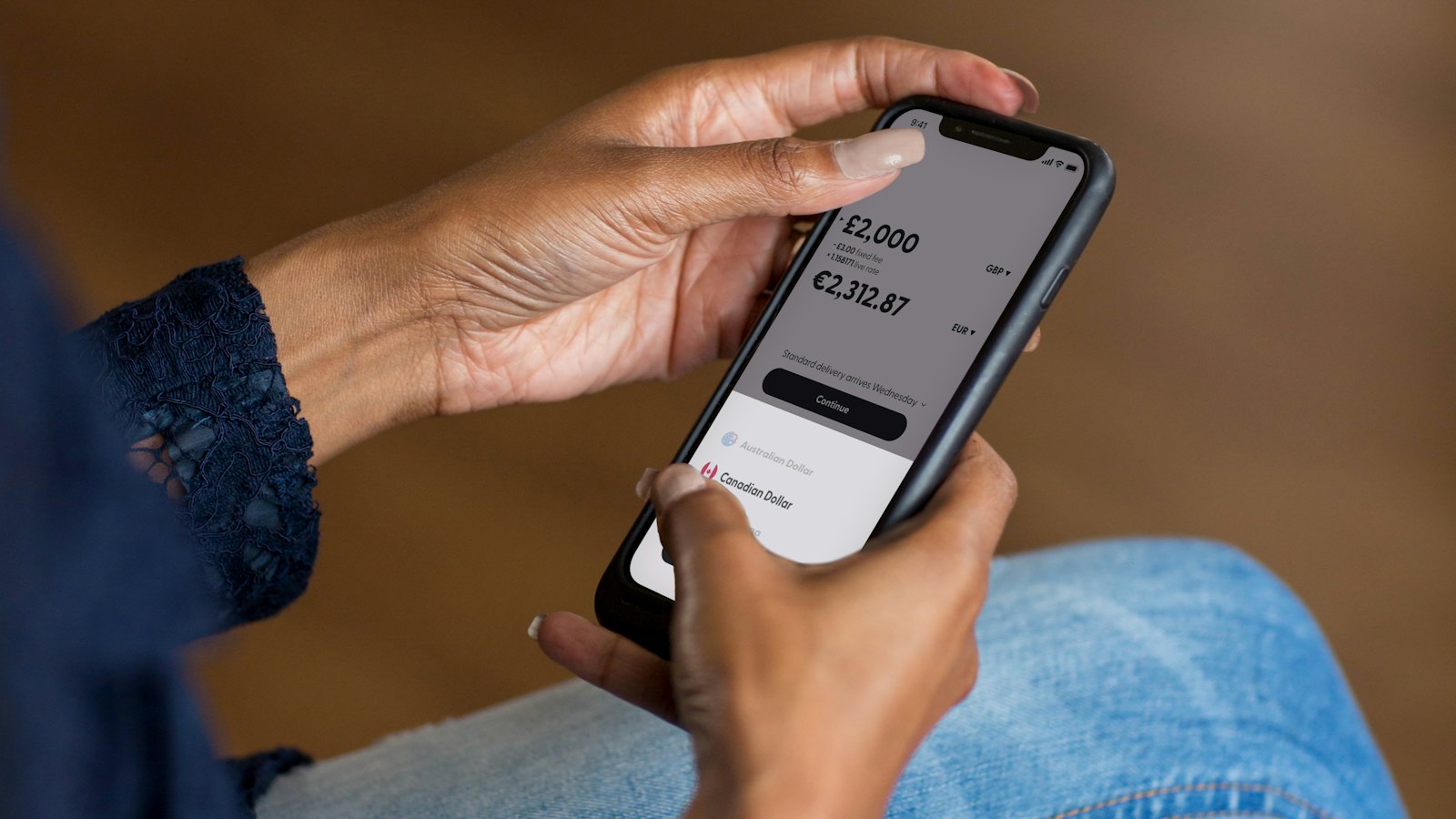
Your phone rings. The caller says she is from your network's mobile money team: there has been suspicious activity on your wallet, and to protect it she will send a prompt that you just need to approve. She knows your name. She sounds calm and professional. The prompt arrives. What she has not told you is that approving it sends your money to her.
Financial scams are the most direct kind of fraud: the goal is your money, and the fastest route to it is you. Mobile money, mobile banking and card payments have made life easier for millions of people, and scammers have built their methods around exactly those conveniences.
This guide covers the scams that target mobile money wallets, payment apps, bank accounts and cards, the loan apps and investment schemes that trap people, the warning signs to check, how to protect your money, and precisely what to do in the first hour if money is taken. It applies whether you use a mobile money service such as M-Pesa, MTN MoMo or GCash, a payment app such as PayPal, Venmo, Zelle or a UPI app, or an ordinary bank account and card, anywhere in the world.
Why financial scams are different
Most scams end with a payment, but financial scams are built around the payment system itself. Three things make them especially damaging.
- Money moves in seconds. A mobile money or instant bank transfer can be withdrawn or moved on before you realise what happened.
- You are often the one who authorises it. Many scams trick you into approving the payment yourself, which can make recovery harder than when a card is stolen.
- Codes and PINs are the keys. Anyone with your PIN or a one-time code can act as you. Scammers do not need to break any system if you hand them the key.
For the broader picture of how scams are built and why they work, see our complete guide to online scams.
Mobile money and payment app scams
Across much of Africa and Asia, mobile money is how people get paid, pay bills and send money home. In Europe, North America and elsewhere, payment apps play the same role. Both make money move instantly, which makes them prime targets, and the scams look remarkably similar everywhere. These are the patterns seen most often. Our article on mobile money scams goes into several of them in more detail.
The "wrong transfer" reversal
A fake deposit message arrives, followed by a call from a distressed stranger asking you to send the money back. The message is typed to look like a real one. No money arrived; if you send anything, it is your own. On payment apps the "accidental" payment may be real but made with a stolen card, so it is later reversed, and the money you sent back is lost.
Fake customer care and approval prompts
A caller poses as network, payment app or mobile money staff and asks you to approve a prompt, dial a code or share your PIN, often to "secure", "upgrade" or "reverse" something. The prompt authorises a withdrawal or payment from your wallet.
Fake promotions and rewards
"You have won a promo. Dial this code to claim." Real promotions do not require your PIN or a payment to receive a prize.
Fake payment alerts and screenshots for traders
A buyer shows a payment screenshot or forwards an alert, collects the goods and leaves. The screenshot was edited or the alert was fake. Sellers should confirm every payment in their own wallet before handing anything over.
SIM swap
A fraudster takes over your phone number, then resets your wallet PIN and empties it. A sudden, unexplained loss of network is the warning sign. Read SIM swap fraud for how to protect yourself.
The rule that stops most mobile money scams: never share your PIN or a code, never approve a prompt you did not start, and always check your balance in the official app or menu, not from a text message.
Bank impersonation and account takeover
Scammers pretend to be your bank's fraud team, often calling from a number that looks genuine. The story is usually that your account is under attack and they need to help you protect it.
- The code request: "We are sending a code to verify you. Please read it back." That code is often the one that authorises a transfer or a new device on your account.
- The "safe account": "Move your money to this safe account while we investigate." There is no safe account. It belongs to the scammer.
- The fake login page: a text or email links to a copy of your bank's website. Anything you type is captured. Learn to spot these in smishing: scam text messages.
Your bank already knows who you are. It will not ask you to prove it by reading out codes, and it will never ask you to move money to protect it.
Card, ATM and POS fraud
- Skimming: a device hidden in an ATM or payment terminal copies your card, while a camera or a person watches your PIN.
- Shoulder surfing and card swaps: someone watches your PIN at an ATM, then distracts you and swaps your card for another.
- Card-not-present fraud: your card number is used online after it was captured by a fake shop, a data breach or a phishing page.
- POS tricks: an amount entered wrongly "by accident", or your card taken out of sight to be charged again.
Cover the keypad when you enter your PIN, keep your card in sight, use ATMs in well-lit, busy places or inside banks, and turn on transaction alerts so you see every charge.
Loan app scams and unlicensed digital lenders
Fast digital loans are useful, but the space attracts two kinds of trouble. Some apps are outright scams: they charge a "processing" or "insurance" fee and never pay out a loan. Others do lend, but operate without a licence, charge unclear fees and harvest the contacts on your phone to shame you into paying.
Regulators in many countries now require digital lenders to be licensed and publish warnings about apps that are not. The Bank of Ghana is one example: it issued a Directive for Digital Credit Services Providers in September 2025 and, in August and September 2026, published notices naming loan apps it said were operating without the required licence. Wherever you live, check your central bank or financial regulator before you borrow from an app.
- Be wary of any lender that asks for a fee before paying out a loan.
- Check what an app wants access to. A loan app has no good reason to read all your contacts or photos.
- Check your central bank or financial regulator for lists of licensed lenders and warnings.
- If an app threatens or shames you through your contacts, keep evidence and report it.
Investment, Ponzi and crypto scams
Investment scams promise that your money will grow quickly and safely. They often start in WhatsApp or Telegram groups full of screenshots of profits, or with a friendly contact who "only wants to help you". Early withdrawals may even work, which builds trust before larger deposits disappear.
Securities regulators regularly warn about unlicensed schemes. In July 2026, for example, Ghana's Securities and Exchange Commission named 23 online investment entities it said were operating without a licence. Before investing, check the provider with the regulator where you live, such as the SEC's investor.gov in the United States or the FCA register in the United Kingdom. Our articles on AI investment scams and AI crypto trading scams cover the newer, technology-flavoured versions.
The warning signs are consistent:
- Guaranteed returns, or returns far above what banks and treasury bills pay
- Pressure to invest quickly or to "lock in" a limited offer
- Rewards for recruiting friends and family
- Withdrawals that are delayed, or need a fee or tax paid first
- No licence from the securities or financial regulator in your country
Payment scams against businesses
Businesses face their own versions: invoices with changed bank details, urgent payment requests from someone posing as the boss, fake payment confirmations from customers and overpayments that must be "refunded". If you run or work in a business, read changed bank details invoice fraud and business email compromise.
Warning signs at a glance
| Warning sign | Common version | What to do |
|---|---|---|
| Request for a PIN or code | "Read me the code we just sent" | Refuse. No genuine staff ever need it. |
| A prompt you did not start | "Approve the prompt to secure your wallet" | Decline it and call the provider yourself |
| A deposit you cannot see in the app | "I sent money to your number by mistake" | Check the real balance; send nothing |
| Move money to protect it | "Transfer to this safe account" | Hang up. Banks never ask this. |
| Fee before you receive money | Loan processing fee, prize release fee, withdrawal tax | Treat it as a scam |
| Guaranteed returns | "Double your money in 30 days" | Check the licence with the regulator |
| Screenshot as proof of payment | A buyer shows a payment screen | Confirm the payment in your own app |
| Sudden loss of network | Phone shows no service for no reason | Call your network from another phone |
Illustrative examples, with the red flags explained
These examples are fictional and written for this guide. Links have been broken on purpose so they cannot be clicked.
- An unexpected call about a problem you cannot see yourself.
- Approving a prompt with your PIN authorises a transaction. It does not cancel one.
- What to do: hang up, check your wallet in the official menu or app, and call your provider's official customer care line if anything looks wrong.
hxxps://quick-cash-loans[.]app/release- A fee is required before the loan is paid. Genuine lenders deduct fees from the loan or state them in a contract.
- Payment to a personal number and a tight deadline.
- What to do: pay nothing, and check whether the lender is licensed by your country's financial regulator.
- Guaranteed, extremely high weekly returns.
- Rewards for recruiting, a hallmark of pyramid and Ponzi schemes.
- Screenshots as proof, which are easy to fake.
- What to do: confirm the company's licence with your securities regulator before investing anything.
Not sure about a message or a screenshot? Paste it or upload it into CyberWatch AI Scan. It is free and explains what looks suspicious. Then confirm any payment or balance in your official app before you act.
How to protect your money
Mobile money wallets
- Choose a PIN that is not your birthday, phone number or a simple pattern, and never share it.
- Check balances and incoming payments in the official menu or app, never from an SMS.
- Read every prompt before approving it, and decline anything you did not start.
- Hang up on unexpected calls from "customer care" and call the official number yourself.
Bank accounts and cards
- Turn on transaction alerts so you see every debit.
- Use your bank's official app, downloaded from the official store, and keep it updated.
- Set sensible daily limits on transfers and card payments.
- Cover your PIN at ATMs and payment terminals, and keep your card in sight.
Your phone number and codes
- Ask your network about a SIM PIN and any extra protection against SIM changes.
- Use authenticator apps where your bank offers them instead of text codes.
- Never forward or read out a one-time code to anyone.
Loans and investments
- Check licences with your financial regulator (lenders) or securities regulator (investments) before you commit.
- Never pay an upfront fee to receive a loan, a prize or your own withdrawal.
- Be wary of anyone who contacts you first with an opportunity.
Helping parents, relatives and new users stay safe
People who are new to mobile money or banking apps, and older relatives who rely on others to help them, are often targeted because scammers expect them to trust a confident caller. A short conversation can protect them better than any setting.
- Agree one simple rule: "Nobody from the network or the bank will ever ask for your PIN or a code. If anyone does, hang up and call me."
- Save the official numbers for their network and bank in their phone, clearly named, so they know which number to call.
- Practise once. Show them what a real prompt looks like and explain that approving it sends money.
- Agree a family code word so that anyone claiming to be a relative in trouble can be checked quickly.
- Make it safe to ask. Tell them you would always rather get a call about a message than find out later that money was lost.
What to do in the first hour if money is taken
Act immediately. Minutes can make a difference to whether money can be stopped.
- Call your provider or bank at once on its official customer care number, from another phone if yours is compromised. Ask them to stop or reverse the transaction and to block your wallet, card or account.
- Change your PIN and passwords from a trusted device, starting with your wallet, banking app and email.
- Check for other damage: new devices on your accounts, changed contact details, loans taken in your name.
- Collect evidence: transaction IDs, the numbers that called or received money, screenshots of messages and the time everything happened.
- Report it to the police and your national reporting service (details below), and to the relevant regulator if an investment scheme or lender was involved.
- Refuse recovery offers. People who contact you promising to recover your money for a fee are almost always running another scam.
Recovery is never guaranteed, and the outcome depends on how quickly the money is traced and whether it has already been withdrawn. Reporting quickly gives you the best chance.
Where to report financial scams
| Where you are | Where to report |
|---|---|
| Anywhere | Start with your bank, card issuer or payment provider on its official number, and use the report tools in the app or platform where the scam happened. Report phishing websites to Google Safe Browsing. If your country is not listed here, your national police cybercrime unit is the place to start. |
| Australia | Scamwatch at scamwatch.gov.au, and ReportCyber at cyber.gov.au if you have lost money or data. |
| Canada | Canadian Anti-Fraud Centre: 1-888-495-8501 or antifraudcentre.ca. |
| European Union | Each country has its own reporting service. Europol lists them on its "Report cybercrime online" page. |
| Ghana | Cyber Security Authority: call or text 292, WhatsApp 0501603111, email report@csa.gov.gh. Ghana Police Service helpline 18555 or 191. Investment schemes: Securities and Exchange Commission on 0800100065 or info@sec.gov.gh. Unlicensed lenders: see the Bank of Ghana's notices. |
| India | National cybercrime helpline 1930, especially for financial fraud, and the National Cybercrime Reporting Portal at cybercrime.gov.in. |
| United Kingdom | England, Wales and Northern Ireland: Report Fraud at reportfraud.police.uk or 0300 123 2040. Scotland: Police Scotland on 101. Forward scam emails to report@phishing.gov.uk and scam texts to 7726. Check investment firms on the FCA register and FCA ScamSmart. |
| United States | Federal Trade Commission at reportfraud.ftc.gov, and the FBI's Internet Crime Complaint Center at ic3.gov. Check investments at investor.gov. |
In every country, call your bank or provider first: they are the only ones who may be able to stop the money. Contact details change over time, so if a number does not work, check the organization's official website.
Common mistakes and myths
- "The caller knew my name and number, so they must be from the network." These details are easy to obtain. Only a call you make to the official number can be trusted.
- "Approving the prompt will cancel the fraud." A prompt authorises a transaction. Nothing is ever cancelled by approving a payment.
- "I'll send the money back to be kind." Check your real balance first. Genuine mistaken transfers are reversed by the provider, not by you.
- "It's registered, so it's licensed." Registering a company is not the same as holding a licence to lend or take investments. Check with the regulator.
- "My friend made money, so it's real." Early payouts are how Ponzi schemes recruit. They stop when new money stops.
Frequently asked questions
Will my mobile money provider or bank ever ask for my PIN?
No. Genuine staff of your network or bank never need your PIN, full card details or one-time codes. Anyone who asks for them, whoever they claim to be, should be treated as a scammer. End the call and contact the provider on its official number.
Someone sent money to my number by mistake. Should I send it back?
Do not send anything yourself. First check your real balance in the official app or menu, because the deposit message is often fake. If money genuinely arrived, tell the sender to contact their provider, who can reverse a genuine mistaken transfer through the proper process.
What should I do in the first few minutes after money is taken?
Call your mobile money provider or bank immediately on its official number, ask them to stop or reverse the transaction and block your wallet or card, then change your PIN from a trusted phone. Report to the police and keep screenshots and transaction references.
Can a stolen mobile money or bank transfer be reversed?
Sometimes, especially if you report it very quickly before the money is withdrawn or moved on. It is never guaranteed, and payments you approved yourself can be harder to recover. That is why prevention and speed matter so much.
How do I check if a loan app is licensed?
Check your central bank or financial regulator, which in many countries publishes lists of licensed digital lenders and warnings about unlicensed ones. The Bank of Ghana, for example, publishes notices under its Directive for Digital Credit Services Providers. Be wary of any app that charges a fee before paying out a loan or wants access to your contacts.
How do I check if an investment company is licensed?
Check with the securities regulator where you live before investing. Examples include investor.gov in the United States, the FCA register in the United Kingdom and the Securities and Exchange Commission in Ghana, which can be reached on 0800100065. If a provider is not licensed, do not invest.
Is it safe to show a customer a screenshot of my payment?
A screenshot proves nothing, because it can be edited or made up. If you are a seller, confirm every payment in your own wallet or bank app before releasing goods. If you are a buyer, keep your transaction reference in case of a dispute.
Why did my phone suddenly lose network, and should I worry?
Usually it is a signal problem, but a sudden loss of service that does not return after a restart can be a sign of a SIM swap, where a fraudster moves your number to their SIM to receive your codes. Contact your network from another phone straight away.
Are investment groups on WhatsApp and Telegram safe?
Treat them with great caution. Groups that share screenshots of big profits, promise guaranteed returns or pay you to recruit others show classic signs of fraud. Check any company with the regulator before investing, and never invest money you cannot afford to lose.
Can CyberWatch AI check a suspicious payment message?
Yes. You can paste the text or upload a screenshot of a message into CyberWatch AI Scan for free, and it will explain what looks suspicious. Always confirm your balance and any payment in the official app as well.
Sources
- Directive for Digital Credit Services Providers in Ghana, Bank of Ghana
- Notice on unlicensed digital credit service providers (August 2026), Bank of Ghana
- Public notice: list of entities operating without a licence (22 July 2026), Securities and Exchange Commission, Ghana
- Cyber Security Authority incident reporting channels, Cyber Security Authority, Ghana (official account)
- Cyber Crime, Ghana Police Service
- ScamSmart: avoid investment and pension scams, UK Financial Conduct Authority
- Financial Services Register, UK Financial Conduct Authority
- What To Know About Cryptocurrency and Scams, US Federal Trade Commission
- How To Avoid a Scam, US Federal Trade Commission
- Report fraud to the FTC, US Federal Trade Commission
- How to avoid fraud, US Securities and Exchange Commission (investor.gov)
- Report fraud and cybercrime, Canadian Anti-Fraud Centre
- Report a scam, Scamwatch, Australian Competition and Consumer Commission
- National Cybercrime Reporting Portal, Ministry of Home Affairs, India
- Report cybercrime online, Europol


