Smishing: The Text Message Scams That Look Like Your Bank, Your Courier and Your Family
Scam text messages are short, urgent and read on a small screen, which is exactly why they work. Here are the most common smishing tricks, the signs that give them away and what to do with a suspicious text.

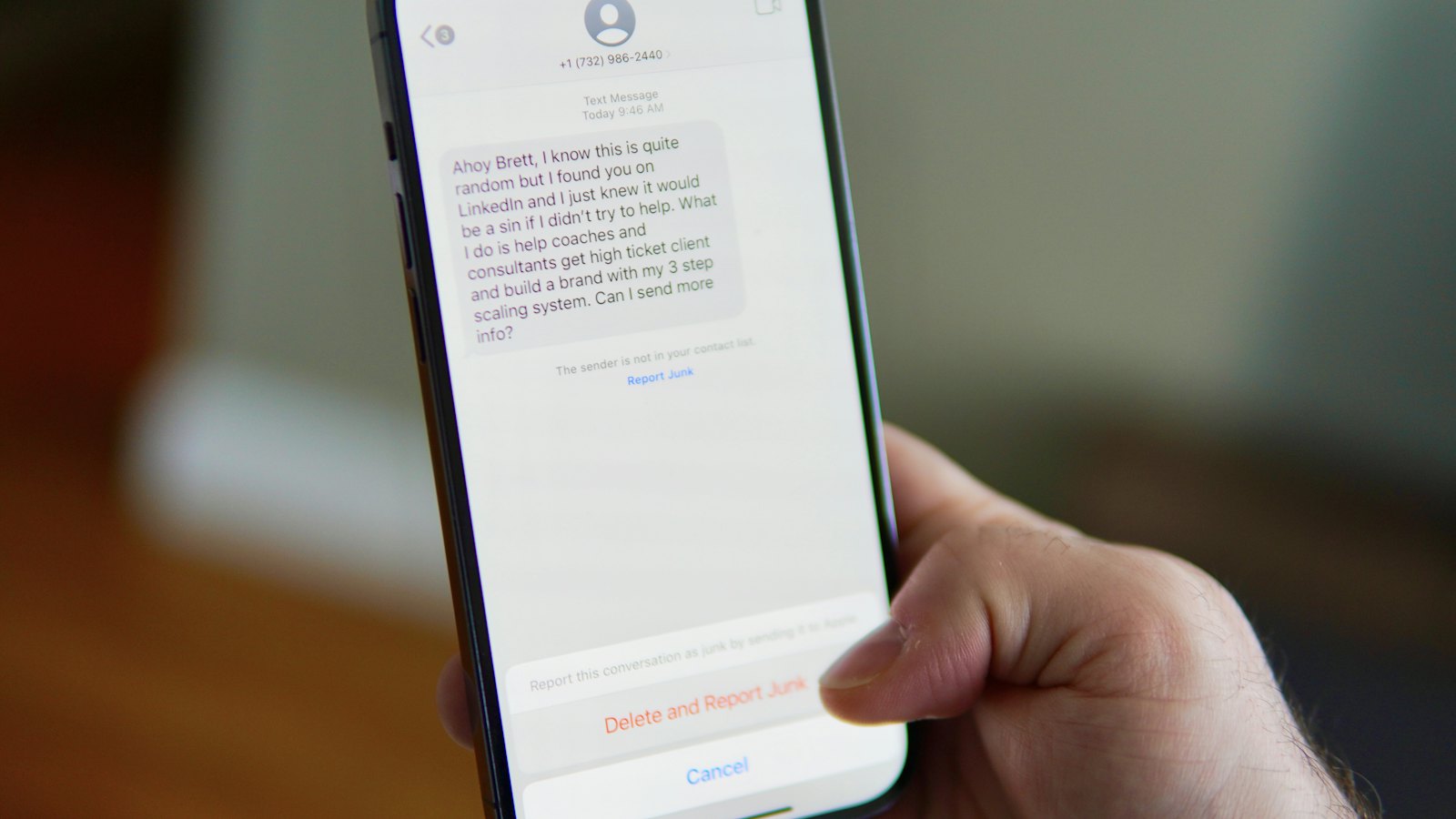
Phishing started in email, but it has moved to where people pay the least attention: the text message. A short SMS read on a phone between meetings gives you almost nothing to judge it by, and that is exactly what makes smishing, phishing by text, so effective.
Why text messages work so well for scammers
- We trust texts more than emails. Most people get far fewer of them, and banks and couriers genuinely use them.
- The sender name can be faked. A message can appear under your bank's name, even in the same thread as real messages from them.
- Links are hard to check on a phone. Shortened links hide the destination, and small screens hide the full address.
- We read them in a hurry, often while doing something else.
The most common smishing messages
The delivery fee
"Your parcel could not be delivered. Pay a small redelivery fee here." The fee is tiny, which lowers your guard, but the page collects your full card details.
The bank alert
"A payment was attempted on your account. If this was not you, verify here." The link leads to a copy of your bank's login page, and sometimes a follow-up call from a "fraud team" asks for the code you just received.
The family emergency
"Hi Mum, I dropped my phone, this is my new number. Can you help me pay something urgently?" It preys on love and panic, and it moves quickly to a request for money.
The prize or refund
A tax refund, a loyalty reward or a competition you never entered, all requiring you to "claim" through a link.
The work message
A text that appears to come from your manager or IT team, asking you to buy gift cards, approve something or sign in to a link. Attackers find staff numbers on company websites and social media.
Warning signs: urgency, a link you did not expect, a request for money or codes, a new number claiming to be someone you know, and small spelling or formatting oddities. A genuine organization will never ask for your PIN or a one-time code by text.
What to do with a suspicious text
- Do not tap the link and do not reply, even to say "stop".
- Check independently. Open your bank's or courier's official app, or call a number you already have.
- For a "new number" from family, call their old number or ask a question only they would know.
- Check the message. Paste the text into CyberWatch AI Scan, which is free, to see what is suspicious about it.
- Report and delete it. Report scam texts to your mobile network, and at work, report anything claiming to be from colleagues to your security team.
A simple habit: never act on a link in a text message. If the message is real, the same information will be waiting in the official app or website.
Smishing at work
Most security programmes focus on email, but staff phones receive attacks too, and they sit outside most technical controls. CyberWatch AI helps organizations train staff on text and messaging scams as well as email, and lets any employee check and report a suspicious message in one step, whatever channel it arrived on.


