How to Block Your Wallet, Card or SIM Immediately
Blocking stops further losses when a card, phone, PIN or account is compromised. Where to find the block options for wallets, cards, banking apps and SIMs, and what to do next.

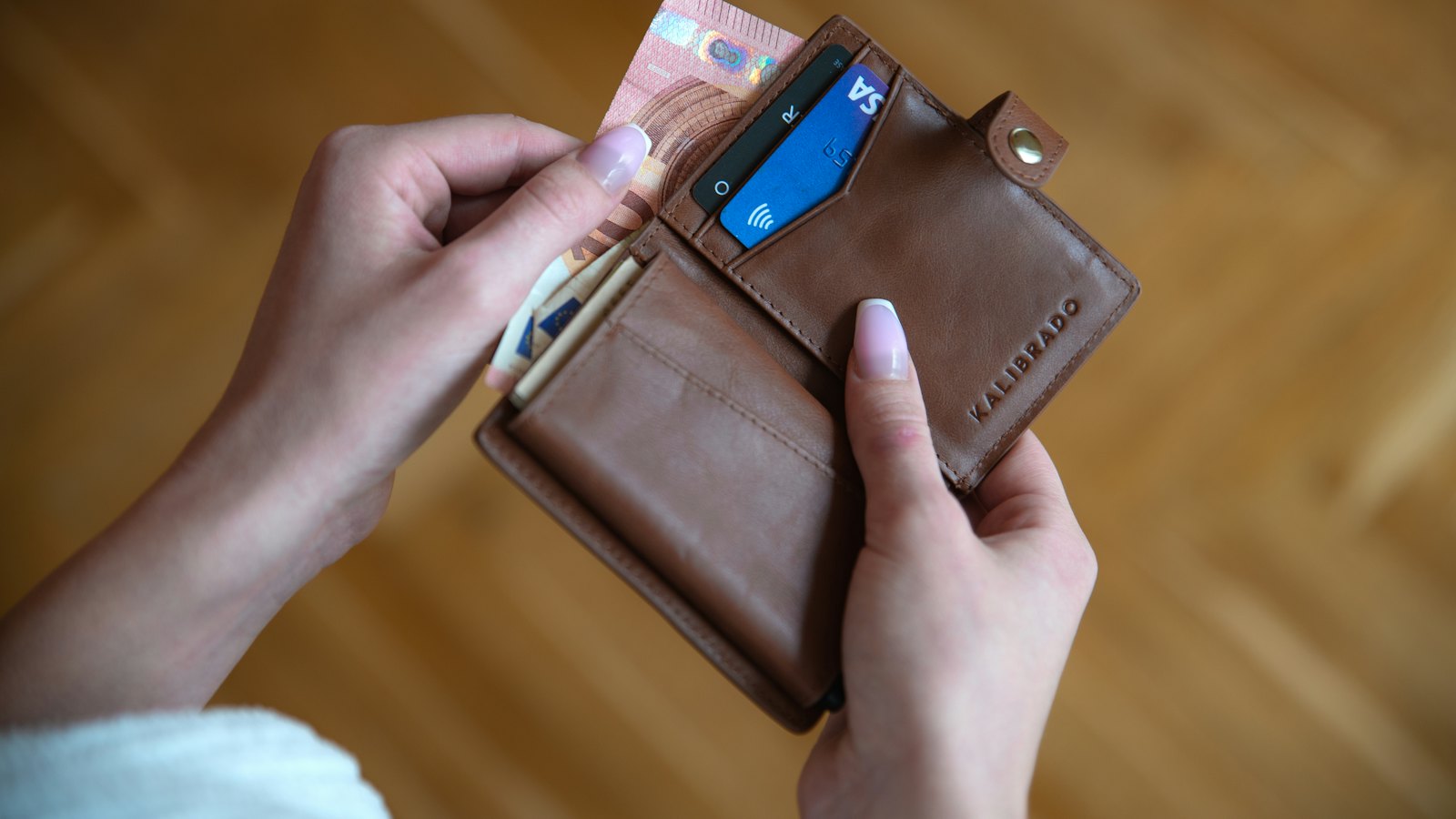
When a card, phone or account is compromised, blocking it first and investigating later stops the bleeding. Know where the options are before you need them.
What to block, and how
| Item | How to block |
|---|---|
| Bank card | Freeze in your banking app, or call the number on the back of the card. |
| Banking app access | Call your bank and ask them to block online and app access. |
| Mobile money wallet | Call your provider's official customer care number and ask them to block the wallet. |
| SIM | Call your mobile network from another phone to block the SIM. See SIM swap fraud. |
| Phone | Lock or erase it remotely. See find my device. |
When to block
- Card or phone lost or stolen. See lost card and lost phone.
- You shared a PIN, password or code.
- Unknown transactions appear.
- Your phone suddenly loses signal. See SIM swap.
Prepare now: save your bank's, network's and provider's official numbers somewhere other than your phone.
Next: stopping a transfer quickly. For more, see what to do if money is taken.
Frequently asked questions
When should I block rather than just change my PIN?
Block when a card or phone is lost or stolen, when you shared codes or a PIN with a scammer, or when you see transactions you did not make.
Will blocking my SIM stop my number working?
Yes, until you get a replacement SIM with the same number from your network.
Can I unblock later?
Card freezes in apps can often be reversed. Cancelled cards and blocked SIMs are replaced.
Sources
- Lost or Stolen Credit, ATM, and Debit Cards, US Federal Trade Commission
- What To Do if You Were Scammed, US Federal Trade Commission
- Scam Advice, GSMA


