Protecting Your Identity Documents on WhatsApp
Landlords, employers, sellers and 'agents' all ask for ID photos on WhatsApp. When sharing is reasonable, how to watermark a copy, and which requests to refuse.

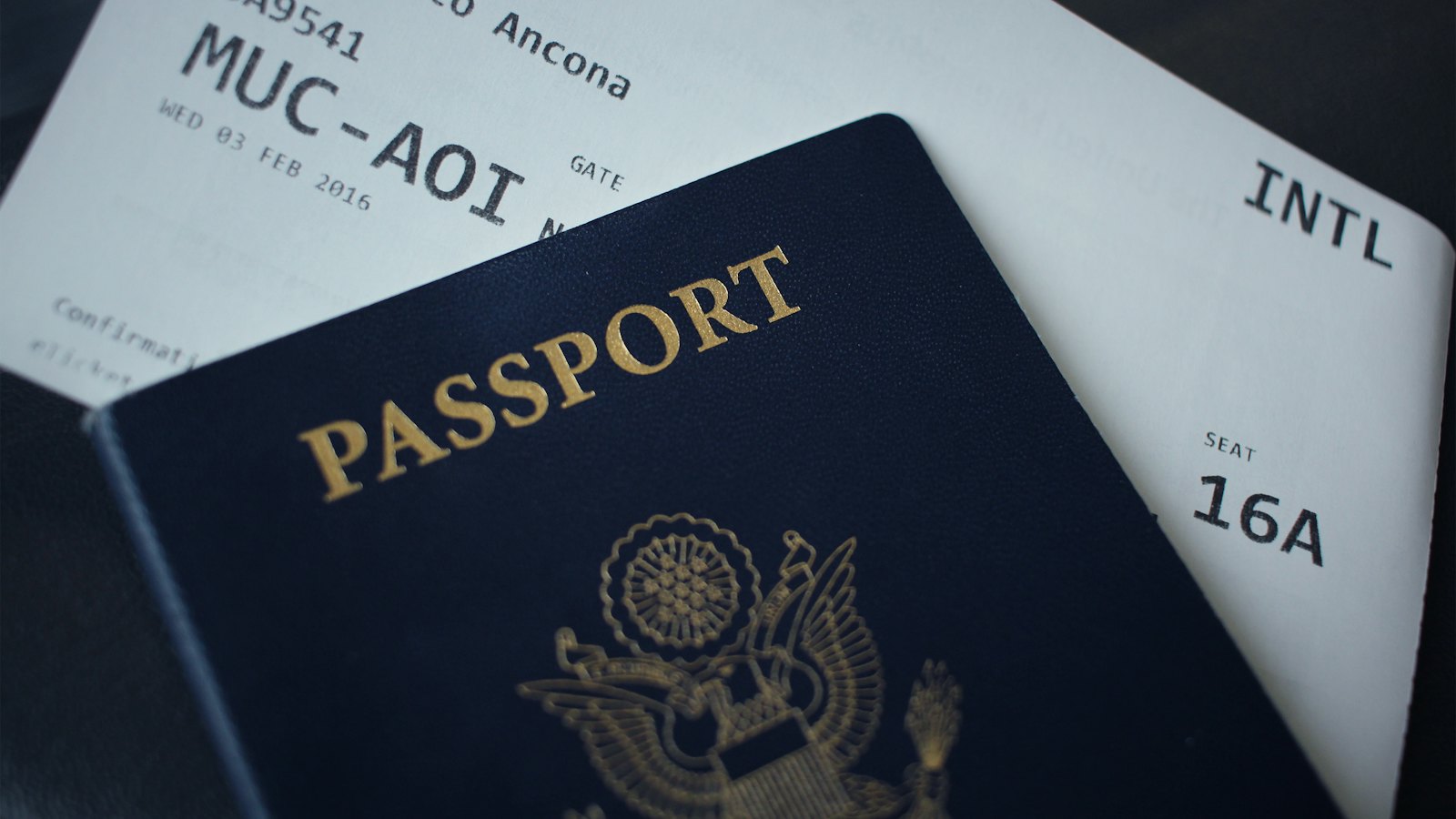
A photo of your passport, ID card or driving licence is valuable to fraudsters. With it, and sometimes a selfie, they can open accounts, take out loans or pass identity checks in your name. Yet requests for ID on WhatsApp are common.
When sharing may be reasonable
- A verified landlord or letting agent, after a viewing and before a signed agreement.
- A genuine employer after a real offer, ideally through its HR system. See recruiters asking for documents.
- A business legally required to check identity, using its official process.
Requests to refuse
- Strangers, sellers or buyers asking for ID "for trust".
- Loan offers that need ID before anything else. See loan offers.
- "Verification" of prizes, investments or accounts.
- A selfie holding your ID from anyone you have not verified. See selfie verification scams.
If you do share
- Watermark it with the recipient, purpose and date. See watermarking documents.
- Send only the pages needed.
- Consider view once, knowing it cannot stop a photo of the screen. See view once.
- Delete it from the chat afterwards.
Already sent ID to someone suspicious? See what to do if ID copies were shared.
For more, see how to protect your WhatsApp account.
Frequently asked questions
Is it safe to send my ID on WhatsApp?
The message is encrypted in transit, but the recipient can keep, share or misuse it. Only send ID to people and organisations you have verified, for a clear reason.
How do I watermark my ID?
Add text across the image, such as the recipient's name, the purpose and the date, using a photo editor, without covering details they genuinely need.
What if I already sent ID to a scammer?
Watch your accounts, consider a credit freeze or protective registration where available, and follow identity theft steps.
Sources
- IdentityTheft.gov, US Federal Trade Commission
- Protective Registration, Cifas (UK)
- About view once, WhatsApp Help Center


