Protecting Your Passport and ID Card Copies
Hotels, landlords, employers and apps ask for copies of your passport or ID. When sharing is legitimate, how to share safely, and what to do if a copy ends up in the wrong hands.

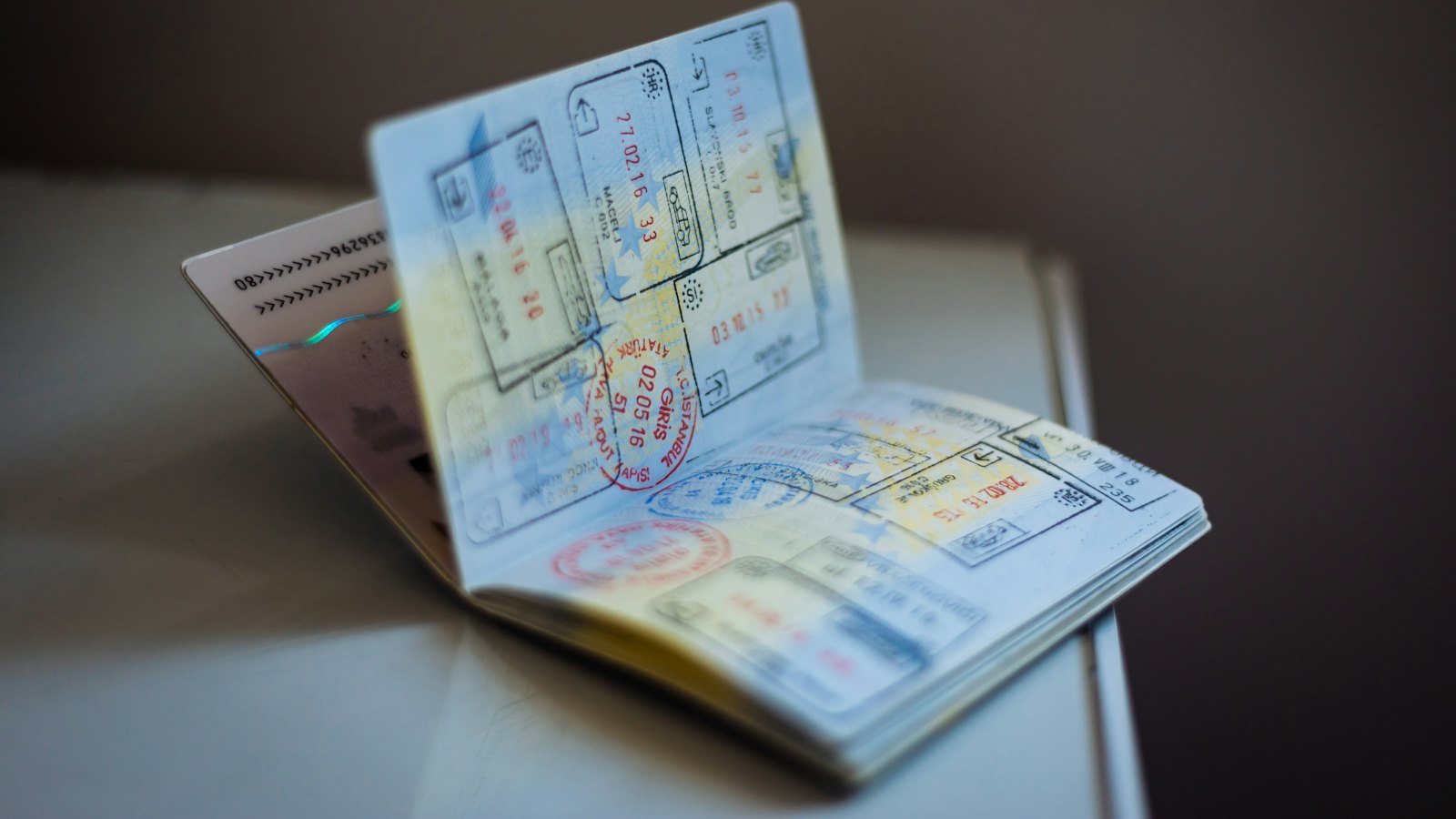
A copy of your passport or national ID card is a powerful thing. In the wrong hands it can help open bank accounts and loans, register SIM cards, pass online identity checks and support scams in your name. Yet we are asked for copies all the time. The goal is not to refuse every request, but to share only when it is genuinely needed, and to share safely.
When sharing is usually legitimate
- Banks, mobile money and regulated financial services, through their official apps or branches. See know your customer requests.
- Employers checking your right to work, after a verified job offer.
- Landlords and letting agents, in some countries, after you have verified them.
- Government services, through official portals.
- Hotels and travel providers, where required by law.
Red flags
- A stranger or new online contact asking for your ID.
- A "recruiter" asking for ID before any real interview. See fake chat interviews.
- A prize, grant or loan that needs your ID and a selfie to "release".
- Requests by WhatsApp, social media or personal email instead of an official portal.
How to share safely
- Verify who is asking through official contact details.
- Use the official upload portal or app where one exists.
- Watermark the copy with the recipient's name, the purpose and the date. See watermarking documents.
- Share only the pages needed, and cover details that are not required where allowed.
- Delete copies from your downloads and chats afterwards.
Do not keep unprotected ID photos in your camera roll or email. If your phone or email is compromised, they go with it. Store them in an encrypted vault, such as your password manager, if you need them.
If a copy reached the wrong person
- Report the scam and keep evidence.
- Consider a credit freeze, fraud alert or protective registration. See credit freezes explained.
- Tell your bank and mobile network to add extra checks.
- Follow the issuing authority's guidance, especially if the physical document was lost or stolen.
Asked for your ID by message? Paste the request into CyberWatch AI Scan for a free check.
For more, read about protecting your identity in our complete guide.
Frequently asked questions
Is it risky to send a photo of my passport?
It can be. A clear copy of your ID can be used to open accounts, pass verification checks or impersonate you. Share it only when genuinely required, through secure official channels, and mark the copy.
Who legitimately needs a copy of my ID?
Banks and regulated financial services, employers checking right to work, landlords in some countries, and some official bodies. A stranger online, or a 'recruiter' on WhatsApp, usually does not.
What should I do if I sent my ID to a scammer?
Tell the issuing authority if needed, consider a credit freeze or fraud alert, alert your bank, and watch for accounts opened in your name.
Sources
- What To Know About Identity Theft, US Federal Trade Commission
- Protective Registration, Cifas (UK)
- Protect Your Personal Information From Hackers and Scammers, US Federal Trade Commission


