Setting Up Bank Alerts and Limits for Protection
Transaction alerts, transfer limits, device approvals and card controls in your banking app help you spot fraud fast and cap losses. What to switch on and how.

CyberWatch AI3 October 2026 · 2 min read
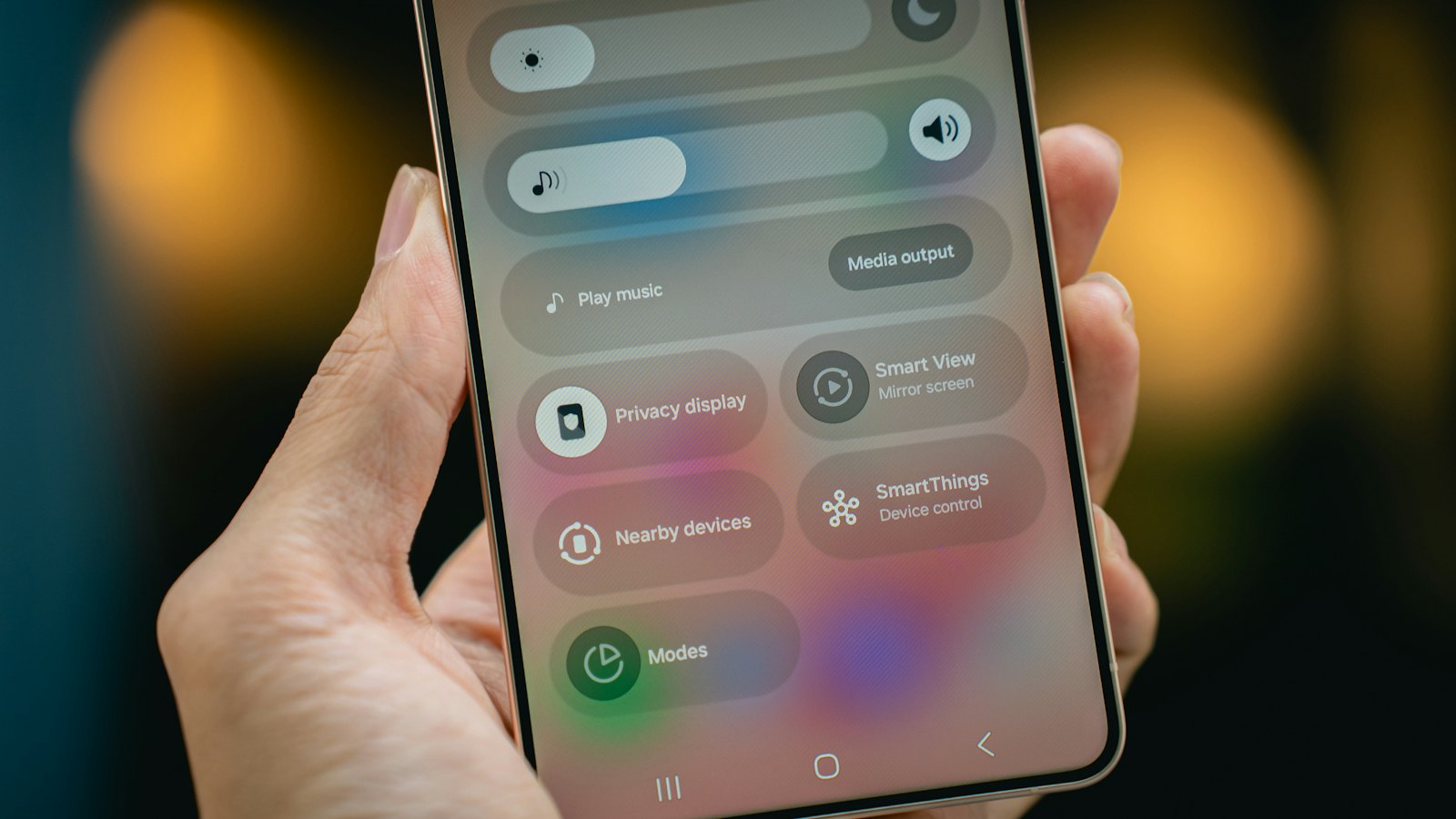
Most banking apps now include tools that can stop fraud early or limit the damage. They are often switched off by default. Ten minutes in your app's settings can make a real difference.
Alerts to switch on
- Every card payment and transfer.
- New payees and standing orders.
- New device or login.
- Changes to your phone number, email or address.
- Low balance or large transactions.
Limits and controls
- Daily transfer limits set to what you normally need. See why limits protect you.
- Card controls: freeze and unfreeze, block online, contactless or overseas use.
- New payee delays or confirmations, where offered.
- Device approvals: only trusted phones can log in.
Make alerts work for you
- Read alerts when they arrive, especially at odd hours.
- Act immediately on anything unfamiliar: freeze the card and call the bank. See spotting unauthorised charges.
- Remember that alerts come from the bank; never follow links in texts claiming to be alerts. See fake bank texts.
For more, see the complete guide to financial scams.
Frequently asked questions
Which alerts matter most?
Alerts for every payment, new payees, new devices and changes to your contact details.
What are card controls?
App settings that let you freeze a card, block online or overseas use, or set spending limits.
Will limits stop me paying bills?
Set them to cover normal spending, and raise them temporarily when you need to.
Sources
- Lost or Stolen Credit, ATM, and Debit Cards, US Federal Trade Commission
- Take Five to Stop Fraud, Take Five (UK Finance)
- Credit Card Loss Protection, US Federal Trade Commission


