After Recovering Your WhatsApp: The Security Checklist
You have your WhatsApp back. Now make sure the scammer cannot return: two-step verification, linked devices, backups, groups, contacts and what to check over the next few weeks.

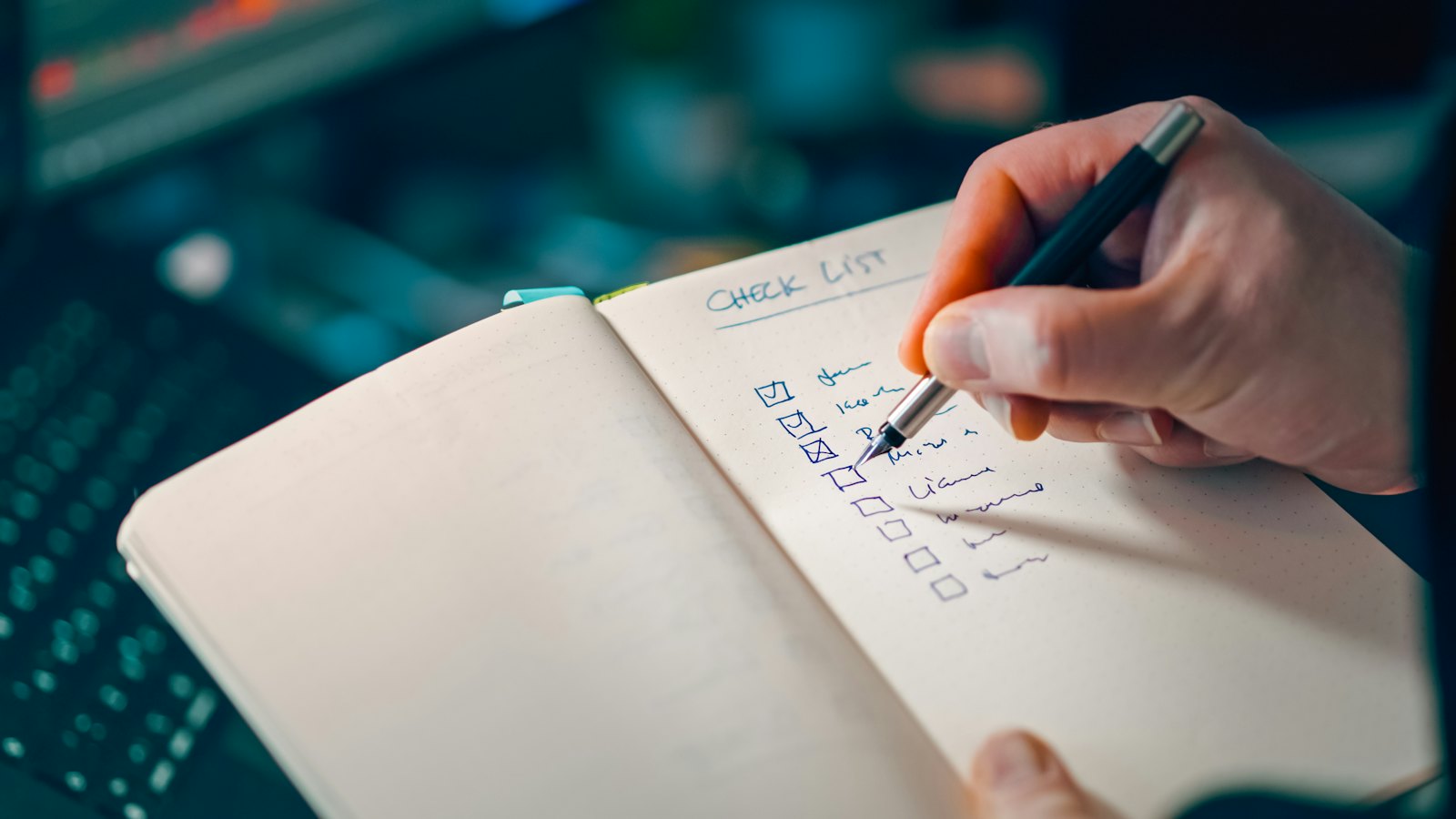
Getting your WhatsApp back is a relief. But the job is not finished until you have closed every way the scammer could return and cleaned up what they left behind.
Right away
- Set your own two-step verification PIN and add an email you control. See how.
- Log out all linked devices you do not recognise. See linked devices.
- Check your profile: name, photo and About. Scammers sometimes change them.
- Check your privacy settings have not been changed. See privacy settings.
Clean up
- Tell contacts which messages were not from you. See warning your contacts.
- Check groups: were you added to, or did "you" post in, groups you do not know? Leave or correct them.
- Check business tools if you use WhatsApp Business: catalogue, greeting messages and quick replies.
- Record losses reported by friends, and help them report. See reporting WhatsApp scams.
Find the cause
- Did you share a code? See the code scam.
- Did your phone lose signal? See SIM swap.
- Did you scan a QR code? See QR hijacking.
- Is your voicemail PIN weak? See voicemail hacking.
Over the next few weeks, watch for unexpected codes, logouts or messages. These can mean someone is trying again.
Then run the full WhatsApp security checkup. For more, see WhatsApp scams and how to protect your account.
Frequently asked questions
Can the scammer get back in?
Not easily if you set your own two-step PIN, log out unknown linked devices and never share your code.
Should I change my phone number?
Usually not necessary. Securing WhatsApp and your mobile account is normally enough.
What if scam messages were sent from my account?
Tell affected contacts which messages were not from you, and keep a record in case anyone reports a loss.
Sources
- How to recover a compromised account, WhatsApp Help Center
- How to check devices linked to your account and unlink a device you don't recognize, WhatsApp Help Center
- About two-step verification, WhatsApp Help Center


