What Is Two-Step Verification and Why Use It?
Two-step verification, also called 2FA or MFA, adds a second check when you sign in. What it is, why it stops most account takeovers, the main methods, and where to turn it on first.

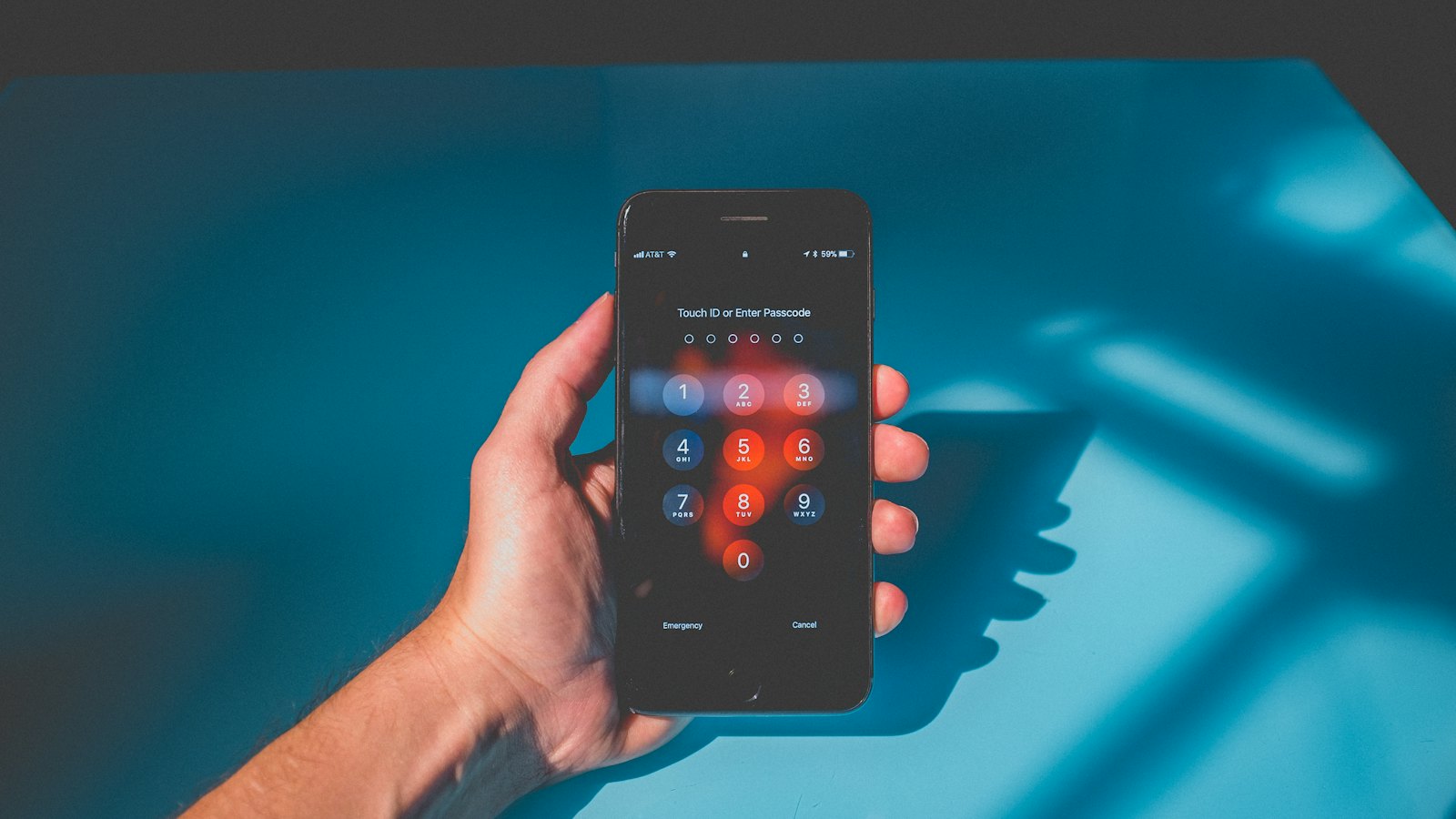
Passwords get stolen, guessed, leaked and phished. Two-step verification (also called two-factor authentication, 2FA, or multi-factor authentication, MFA) means that a stolen password on its own is no longer enough to get into your account. It is one of the most effective things you can do to protect yourself online, and it takes a few minutes to set up.
How it works
When you sign in, you prove who you are in two ways:
- Something you know: your password.
- Something you have or are: your phone, a security key, or your fingerprint or face.
A criminal in another country who has your password does not have your phone. So when they try to sign in, they get stuck at step two.
The main methods, from weakest to strongest
| Method | How it works | Strength |
|---|---|---|
| Text message code | A code sent by SMS | Better than nothing, but vulnerable to SIM swap and phishing. See SMS code weaknesses. |
| Authenticator app | A code generated on your phone | Good. Not affected by SIM swap. See authenticator apps. |
| Push approval | Tap "Yes, it's me" on your phone | Good, if you never approve prompts you did not start. |
| Passkey | Your device confirms it is you with your fingerprint, face or PIN | Very strong, and resistant to phishing. See what is a passkey. |
| Security key | A small physical key you plug in or tap | Very strong, and resistant to phishing. |
The US Cybersecurity and Infrastructure Security Agency (CISA) recommends phishing-resistant methods where possible, but says any form of MFA is better than none.
Where to turn it on first
- Your main email account.
- Banking, payment and mobile money apps (many have it on by default).
- Your mobile network account.
- WhatsApp and main social media accounts.
- Your password manager.
- Your phone's cloud or app store account.
The one rule that keeps it working
Never share a code, and never approve a sign-in you did not start. Scammers who have your password will try to trick you into giving them the second step. See unexpected login prompts.
Plan for losing your phone
Before you need it, save backup codes or add a second method, so you are not locked out if your phone is lost or replaced. See backup codes and losing your phone with your authenticator on it.
Received a code you did not ask for? Someone may have your password. Do not share it, and change your password. If a message asks you for a code, paste it into CyberWatch AI Scan for a free check.
Two-step verification is one of the key steps in how to protect your accounts.
Frequently asked questions
Is two-step verification the same as 2FA and MFA?
Broadly, yes. Two-step verification, two-factor authentication (2FA) and multi-factor authentication (MFA) all mean needing something in addition to your password to sign in.
Which accounts should I protect first?
Your main email, then banking and mobile money, your mobile network account, your main social media, your password manager and your cloud or app store account.
Can two-step verification be bypassed?
Some methods can be, especially if you are tricked into sharing a code or approving a prompt. Phishing-resistant methods like passkeys and security keys are the strongest.
Sources
- Multifactor Authentication, US Cybersecurity and Infrastructure Security Agency
- Use Two-Factor Authentication To Protect Your Accounts, US Federal Trade Commission
- Activate 2-step verification on your email, UK National Cyber Security Centre


