Unofficial WhatsApp Apps: GB WhatsApp, "Gold" and Mods
Modified WhatsApp apps promise extra features, but they are not checked for security and can get your account banned. What unofficial apps are, the risks, and how to switch back safely.

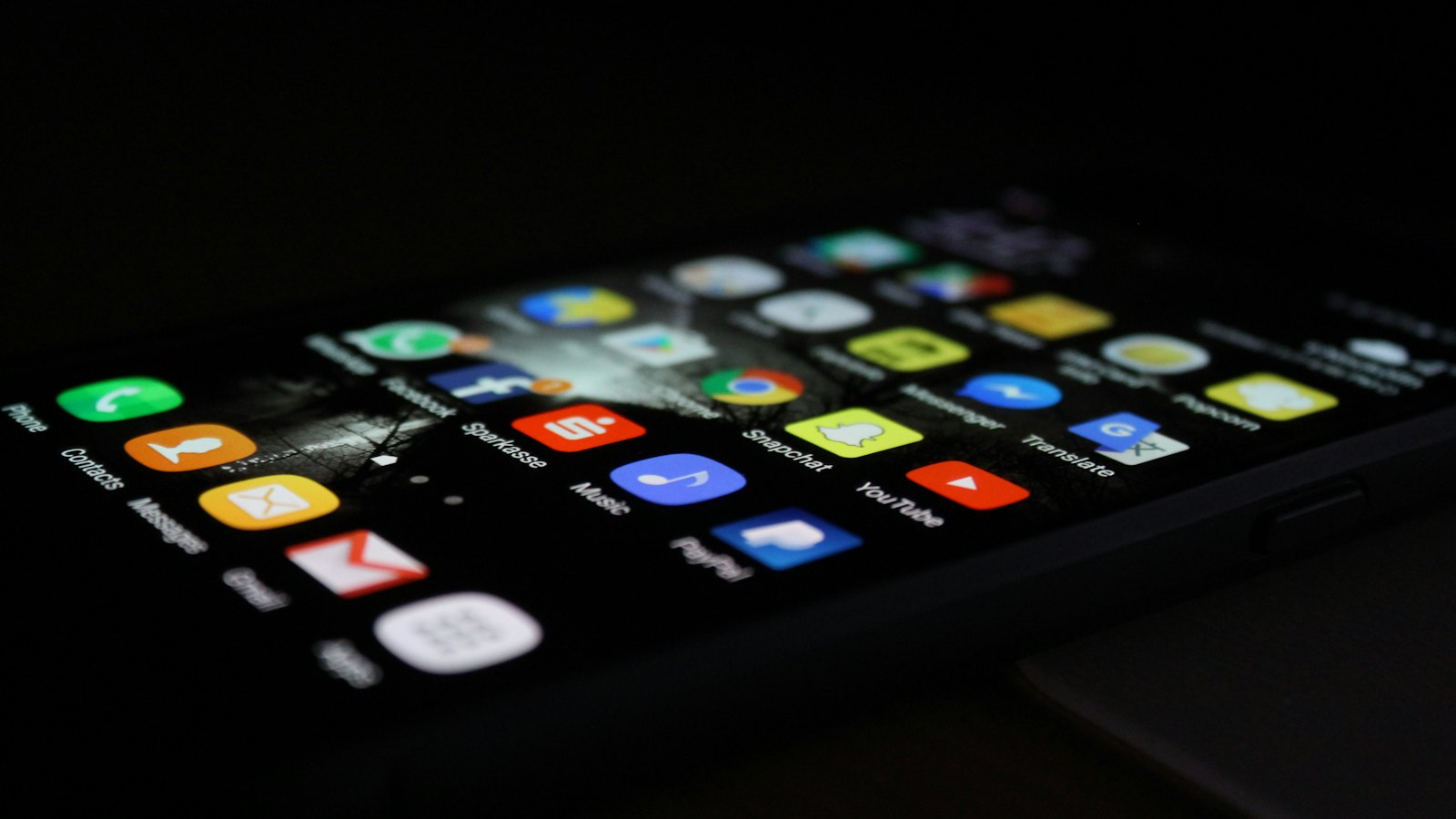
Unofficial versions of WhatsApp, such as GB WhatsApp, FM WhatsApp and many others, promise extras: hidden online status, more themes, larger file limits. They are built by third parties, downloaded outside official app stores, and have access to all your messages.
The risks
- Security: WhatsApp says it cannot validate the security practices of unofficial apps. Some versions have been found to contain malware.
- Privacy: the app's makers can potentially see your messages, contacts and media.
- Bans: WhatsApp can temporarily or permanently ban accounts using unofficial apps.
- No updates through the official store, leaving known weaknesses unpatched.
There is no "WhatsApp Gold" or premium version. Messages inviting you to upgrade are scams. See fake WhatsApp support messages.
How to switch back safely
- Save any chats or media you need.
- Uninstall the unofficial app.
- Install WhatsApp from your phone's official app store only.
- Register your number and turn on two-step verification.
- Check linked devices and remove anything unfamiliar.
Related: fake WhatsApp update messages and malicious files and APKs. For more, see our guide to WhatsApp scams.
Frequently asked questions
Is GB WhatsApp safe?
WhatsApp says unofficial apps violate its terms and it cannot validate their security. Using them can get your account banned, and some versions contain malware.
What is 'WhatsApp Gold'?
A long-running hoax and scam. There is no official WhatsApp Gold; messages inviting you to upgrade lead to fake apps or phishing.
How do I switch back to the official app?
Back up any chats you need, uninstall the unofficial app, install WhatsApp from the official app store, and register your number.
Sources
- About unofficial apps, WhatsApp Help Center
- About temporarily banned accounts, WhatsApp Help Center
- How to protect your account from malware, WhatsApp Help Center


