How Mobile Money Approval Prompts Work
A pop-up asks you to enter your PIN to approve a payment. Scammers trigger these prompts and tell you it's to 'receive' money. What a prompt authorises and how to read it.

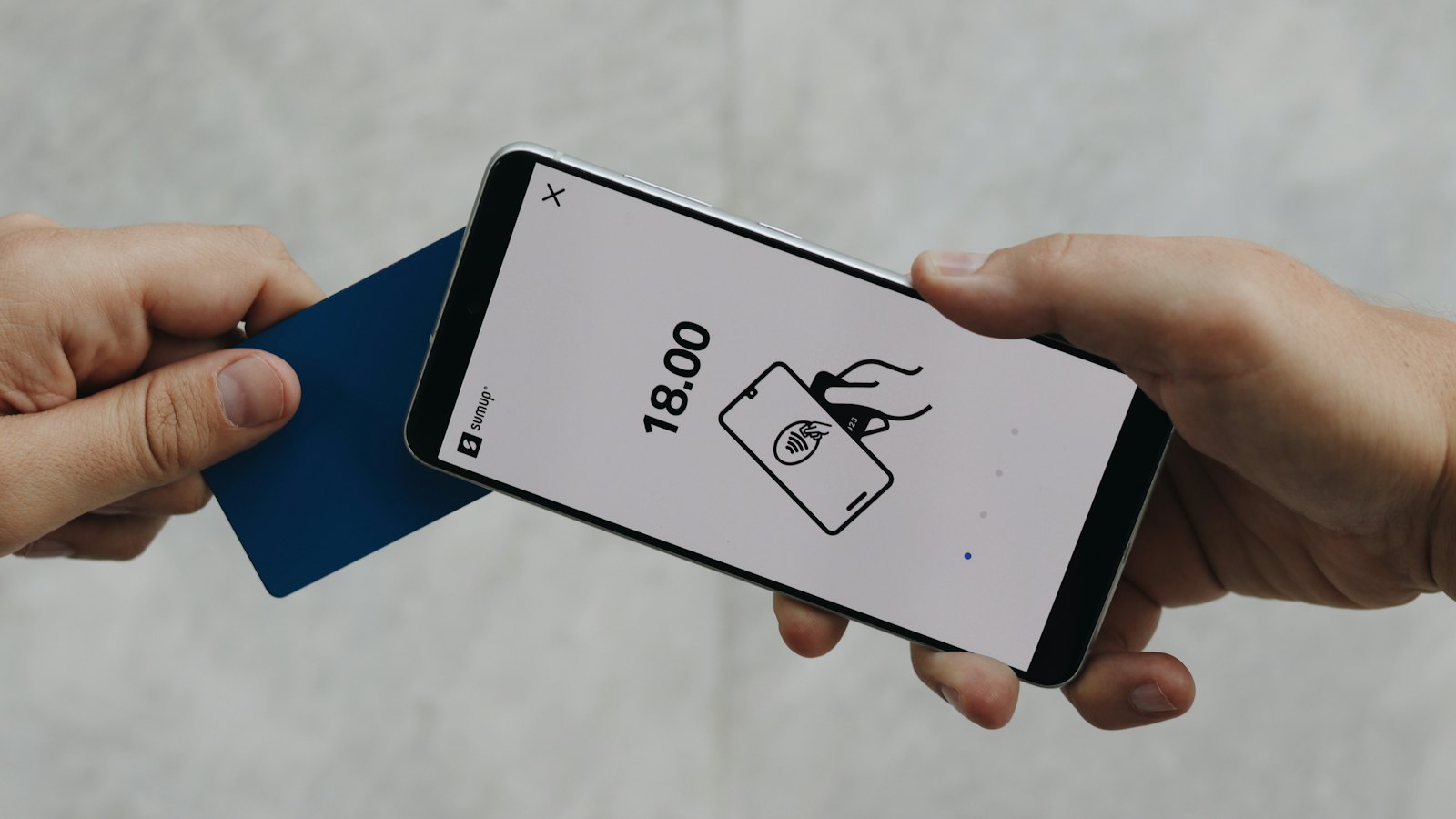
Many mobile money services let a merchant or another user send you a payment request. A prompt appears on your phone showing a name and amount, and asks for your PIN. Enter it, and the money leaves your wallet. Scammers exploit this by sending a request and telling you it is something else.
The scam in action
- A caller says you have won a prize, are owed a refund, or were sent money by mistake.
- They say: "A prompt will appear. Enter your PIN to receive the money."
- The prompt is really a payment request from the scammer.
- You enter your PIN, and your money goes to them.
You never need your PIN to receive money. A PIN prompt always means money is leaving, or something is being authorised.
How to read a prompt
- Did you start this? If you did not choose to pay, cancel.
- Who is it to? Check the name matches the shop or person you are paying.
- How much? Check the amount carefully.
- What words does it use? "Pay", "approve", "authorise" or "confirm payment" mean money out.
If you approved one by mistake
- Call your provider on its official number straight away. See stopping a transfer quickly.
- Keep the transaction ID and the caller's number. See evidence to keep.
- Report the scam. See reporting financial fraud.
Related: "dial this code" scams and fake promotions. For more, see our guide to mobile money and banking scams.
Frequently asked questions
Do I need to enter my PIN to receive money?
No. Receiving money never needs your PIN. A prompt asking for your PIN is asking you to pay or authorise something.
I approved a prompt by mistake. What now?
Call your provider on its official number immediately and ask if the transaction can be stopped or reversed.
Why do legitimate merchants send prompts?
Some shops and bill payers send a payment request that you approve with your PIN. It is safe when you started the purchase and the name and amount are correct.
Sources
- Mobile Payment Apps: How To Avoid a Scam When You Use One, US Federal Trade Commission
- Scam Advice, GSMA
- What To Do if You Were Scammed, US Federal Trade Commission


