Fake Payment Alerts: How Traders Get Tricked
A customer shows a 'payment successful' screen or you receive an SMS alert, and the goods leave. The money never arrives. How fake alerts are made and how to confirm every payment.

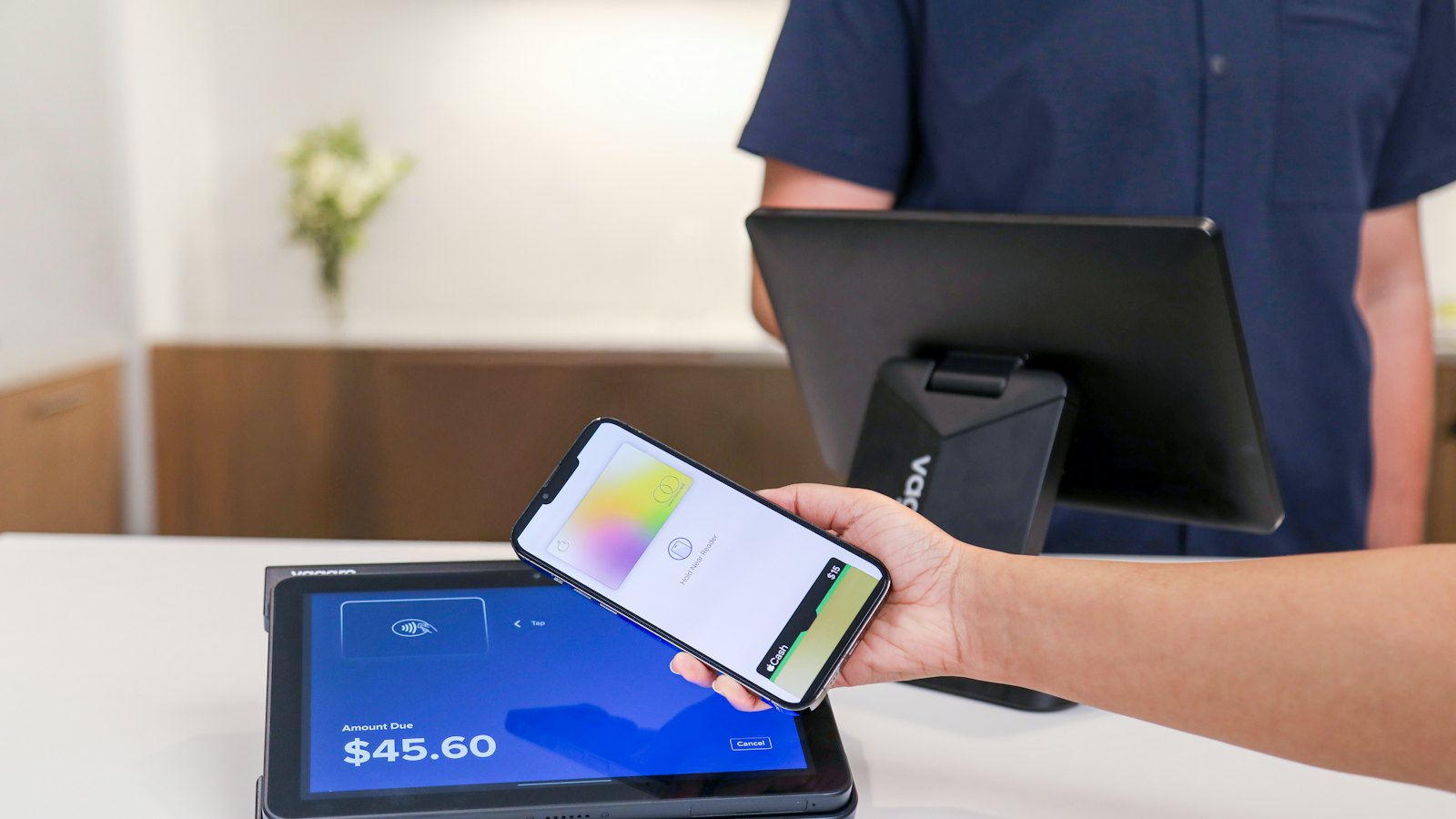
A customer taps their phone, shows you a green "Transfer successful" screen, and walks out with the goods. Or an SMS arrives announcing a payment. Hours later, your balance shows nothing. Fake payment alerts are one of the most common frauds against traders.
How the fakes are made
- Typed SMS from an ordinary number or a spoofed sender name. See SMS sender spoofing.
- Edited screenshots of genuine transactions.
- Fake banking apps that show a "successful" screen but send nothing.
- Old genuine alerts forwarded again.
- Scheduled or pending transfers that are later cancelled.
How to confirm every payment
- Check your own wallet, merchant app or bank app. See checking your balance safely.
- Match the amount and sender name.
- For large bank transfers, wait until the money shows as available, not pending.
- Only then hand over goods.
Your balance is the only proof. Not the customer's screen, not an SMS, not a screenshot.
Related: fake payment screenshots and merchant safety. For more, see mobile money and banking scams.
Frequently asked questions
How are fake alerts created?
With SMS apps that change the sender name, edited screenshots, fake banking apps, or by forwarding an old genuine alert.
The customer showed me their banking app. Is that enough?
No. The screen could be a fake app or a pending transfer. Only your own balance confirms payment.
What if the customer is in a hurry?
Hurry is part of the trick. Politely explain you must see the payment arrive first.
Sources
- How To Spot, Avoid, and Report Fake Check Scams, US Federal Trade Commission
- Mobile Money Fraud Typologies and Mitigation Strategies, GSMA
- Mobile Payment Apps: How To Avoid a Scam When You Use One, US Federal Trade Commission


