Who Can See Your WhatsApp Profile Photo, and Why It Matters
Scammers copy WhatsApp profile photos to impersonate people to their family and friends. Who can see your photo by default, how to limit it, and what to use instead.

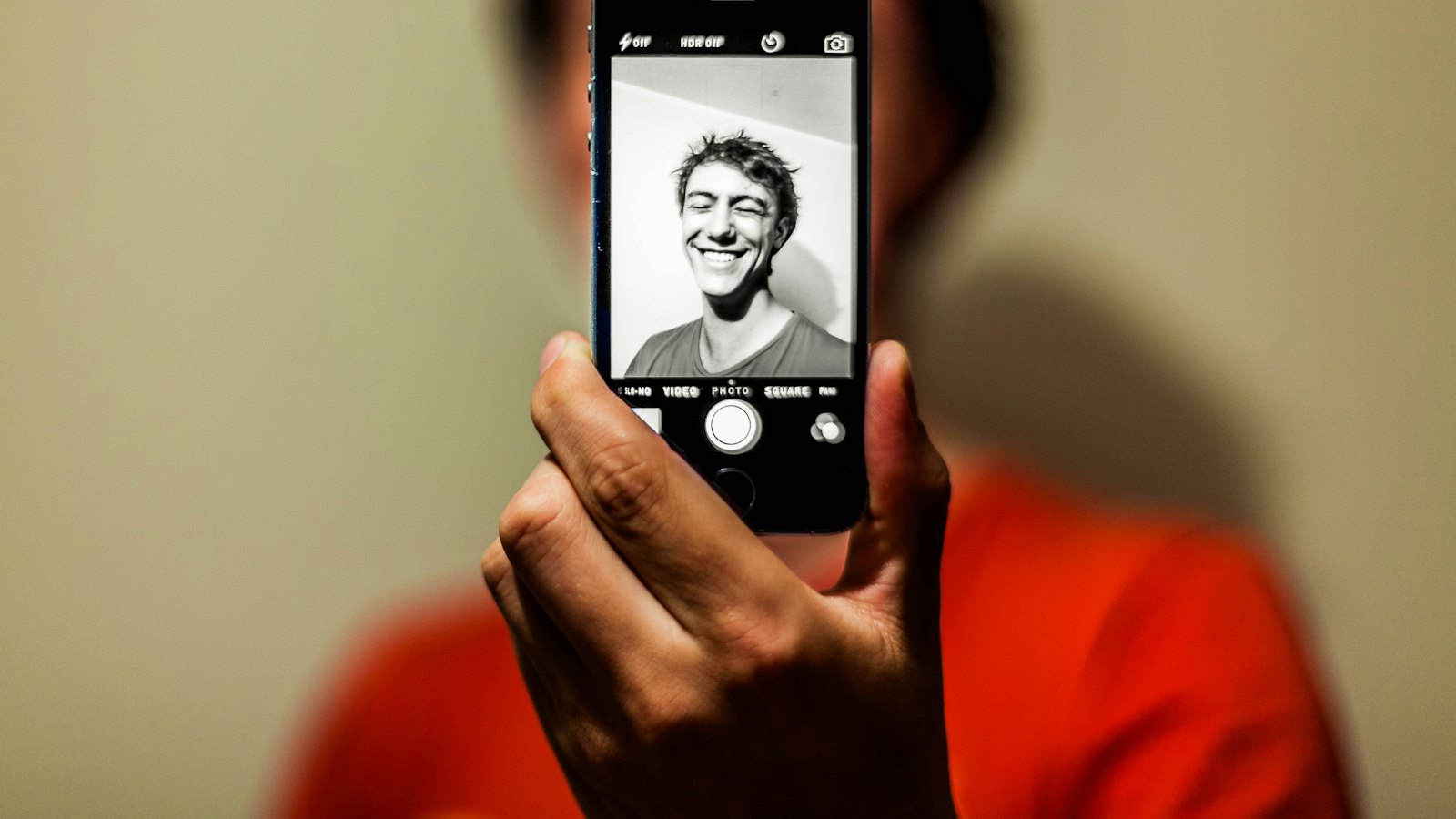
Your profile photo is the first thing people see when you message them. That is exactly why scammers want it. A copied photo on a new number makes "Hi Mum, this is my new number" instantly believable.
How scammers use profile photos
- Family impersonation: your photo on a new number, messaging your parents or partner. See the new number scam.
- Boss or colleague impersonation: a manager's photo asking staff to buy gift cards or pay a supplier. See payment requests from the boss.
- Fake business or landlord accounts using real people's photos to look trustworthy.
Limit who sees it
- Go to Settings, Privacy, Profile photo.
- Choose My contacts, or My contacts except… to exclude people.
Strangers who message you will then see a blank picture instead of your face.
Choosing a photo
- Avoid photos showing your children, school uniforms, your home or your car registration.
- If you run a business account, use your logo rather than a personal photo.
A familiar photo is not proof. If someone you know messages from a new number, call their old number or ask a question only they could answer. See family code words.
For all the settings in one place, see WhatsApp privacy settings. For more, see our complete guide to WhatsApp scams.
Frequently asked questions
Can someone screenshot my profile photo even with My contacts?
Yes, anyone who can see it can capture it. Limiting it to contacts simply removes strangers from that group.
Someone is using my photo on another number. What do I do?
Warn your contacts through a message or call, report the number in WhatsApp, and ask friends to report it too.
Should I use a photo of my children?
Many people prefer not to. A child's photo and name can be used in scam stories aimed at family members.
Sources
- How to change your privacy settings, WhatsApp Help Center
- How to block and report someone, WhatsApp Help Center
- About suspicious messages and scams, WhatsApp Help Center


