Password Sharing With Family Safely
Families need to share some logins, like streaming, utilities and household accounts. How to share safely with family vaults and emergency access, instead of texting passwords around.

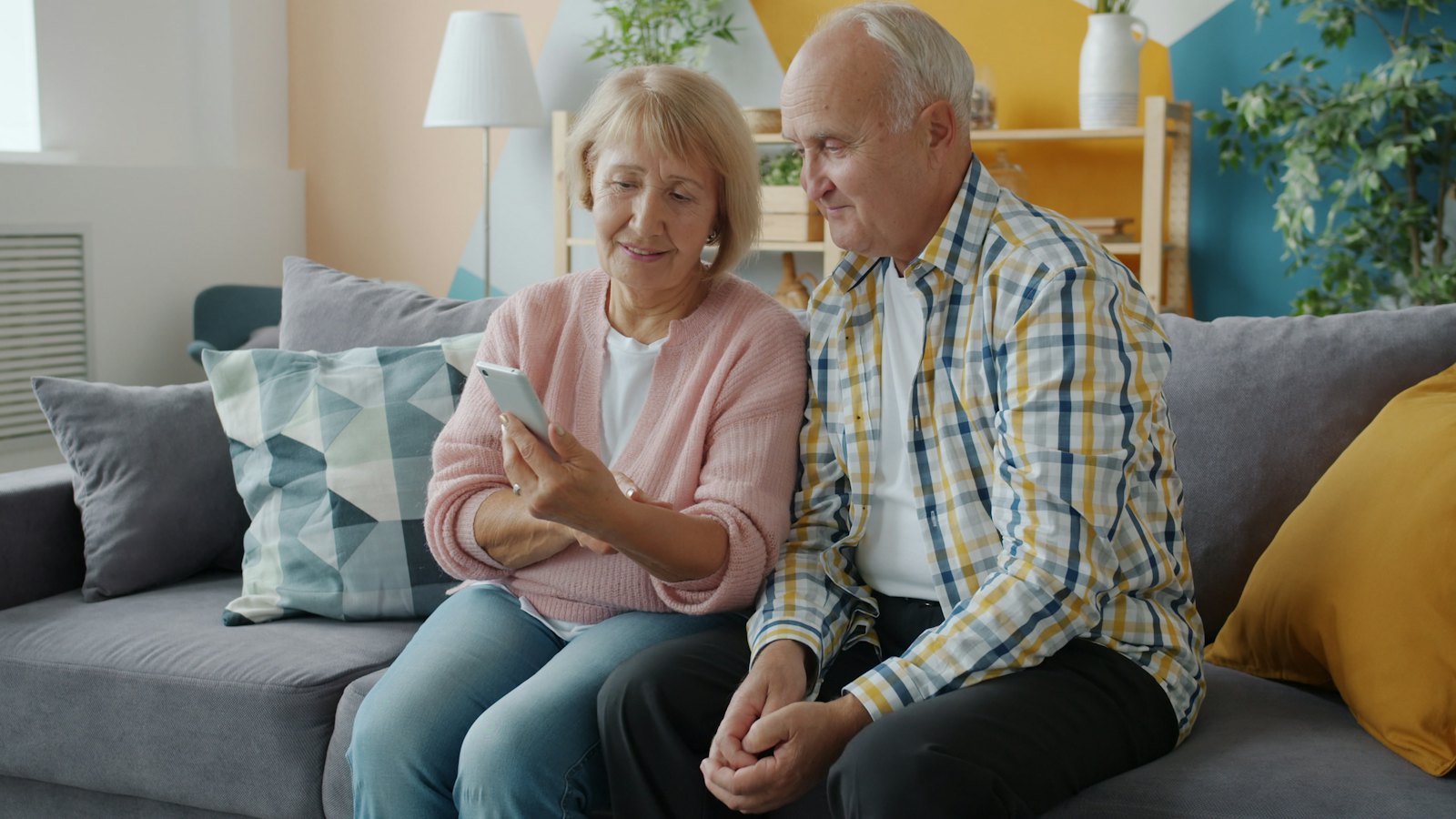
Families share things: the Wi-Fi, the streaming service, the electricity account, the school portal. Sharing logins is normal. The risky part is how it is usually done: passwords sent by text, written on the fridge, or one password reused for everything so everyone can remember it. There are safer ways that are just as easy.
What to share, and what not to
| Usually fine to share | Better not to share |
|---|---|
| Streaming and music services | Your personal email |
| Home Wi-Fi | Personal banking and mobile money logins and PINs |
| Utility and household accounts | Work accounts |
| School and activity portals | Your password manager's main password |
For accounts you should not share directly, look for proper joint access: joint bank accounts, delegated access, family plans or legacy contacts.
Safer ways to share
- Password manager sharing: most password managers let you share individual logins or a "family vault" with chosen people. When you change the password, everyone gets the update.
- Family plans: many services let each family member have their own login under one subscription.
- Guest Wi-Fi: use a separate guest network for visitors, or share the Wi-Fi password by QR code from your phone's settings.
Avoid sending passwords in chats. Messages stay in history, get backed up, and can be seen by anyone who picks up the phone or takes over the account.
Emergency access
What happens if you are in hospital, or worse, and your family needs access to important accounts? Many password managers offer emergency access: a trusted person can request access, and if you do not decline within a set period, they get in. Combine this with a simple written list of which accounts exist, kept somewhere safe. See digital legacy.
Family rules that help
- Each person uses their own unique passwords for personal accounts.
- Shared logins live in a shared vault, not in chats.
- Everyone turns on two-step verification on their own email.
- Change shared passwords when someone leaves the household.
- Never share one-time codes, even within the family, unless you are sure who is asking. Scammers impersonate relatives.
When relationships change
If a partner or ex-partner has had access to your accounts, review and change passwords, sessions and recovery details. See when a partner or ex has access to your accounts.
Got a message from a "family member" asking for a code or password? Paste it into CyberWatch AI Scan for a free check, and call them on their usual number.
For more, read our complete guide to identity theft and account security.
Frequently asked questions
Is it safe to send a password by text or WhatsApp?
It is better to avoid it. Messages can be read by anyone with access to the phone or account, and they stay in chat history. Use a password manager's sharing feature instead.
Should I share my email or banking password with my partner?
It is usually safer not to. Most banks and email providers offer joint accounts, delegated access or emergency contacts that give access without sharing your personal login.
What is emergency access?
A password manager feature that lets a trusted person request access to your vault if something happens to you, usually after a waiting period you can cancel.
Sources
- Creating Strong Passwords and Other Ways To Protect Your Accounts, US Federal Trade Commission
- Top tips for staying secure online, UK National Cyber Security Centre
- How To Organize Your Important Papers Before Disaster Strikes, US Federal Trade Commission


