Securing Social Media Accounts: A Checklist
A practical checklist to secure Facebook, Instagram, TikTok, X, LinkedIn and other social accounts: two-step verification, login alerts, recovery details, connected apps and privacy.

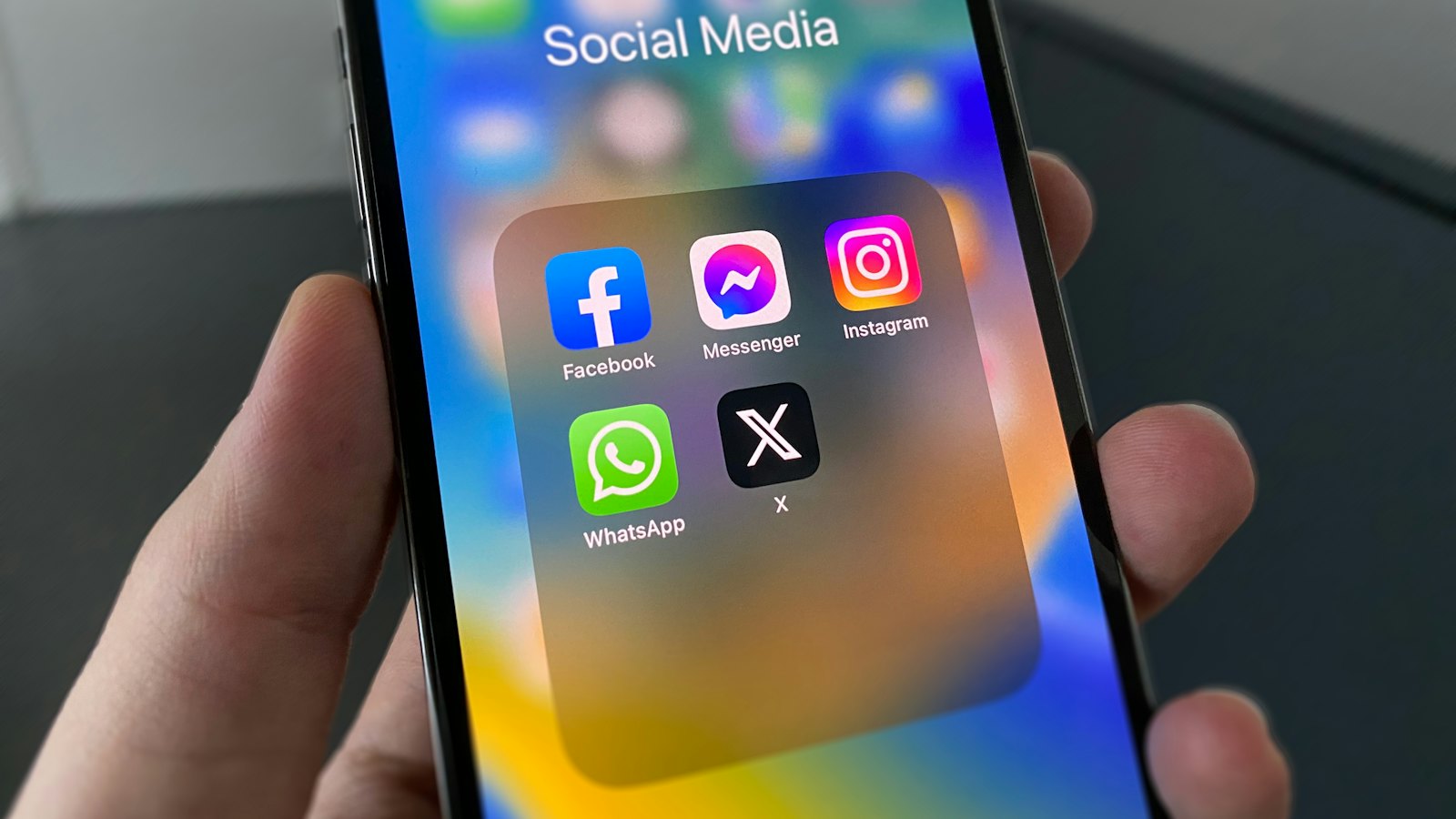
Social media accounts are prime targets. A taken account can scam your friends, damage your reputation, cost a business its audience, and lead to other accounts. This ten-point checklist works on any platform. Look for these options in each app's "Settings", "Security" or "Accounts Center".
The checklist
- Unique password. Not used anywhere else. Store it in a password manager.
- Two-step verification. Use an authenticator app or passkey where offered. See two-step verification.
- Backup codes saved offline. See backup codes.
- Correct email and phone on the account, both secured.
- Login alerts on. See login alerts.
- Review active sessions and log out of unknown devices.
- Remove old connected apps. See third-party apps.
- Check who can message you and see your friends or followers list.
- Limit personal details on your profile: birthday, phone, address, employer.
- Protect your email, which can reset every social account. See securing your email.
Business and creator accounts: also check who has admin access to pages, ad accounts and business tools, and remove anyone who no longer needs it.
Habits that keep accounts safe
- Ignore "violation" and "verification" messages in DMs and emails. Check notices in the app itself.
- Never share login codes, even with friends who say they sent one "by mistake".
- Be wary of links in direct messages, even from friends.
- Do not log in through links to "see who viewed your profile" or "claim a badge".
Common scams that take social accounts
| Scam | What it asks |
|---|---|
| Fake copyright or policy violation | Log in on a fake page to "appeal" |
| Fake blue tick or verification | Pay a fee or log in to "verify" |
| "I sent you a code by mistake" | Forward the code (it resets your account) |
| Fake brand collaboration | Log in to a "partner portal" or install a file |
Got a warning or offer in your DMs? Paste it into CyberWatch AI Scan for a free check.
If an account has already been taken, see recovering Instagram or recovering Facebook. For the bigger picture, read our guide to account takeover and identity protection.
Frequently asked questions
Which social media setting matters most?
Two-step verification with a unique password. Together they block most account takeovers.
Do I need to secure accounts I rarely use?
Yes, or close them. Dormant accounts with old passwords are easy targets and can be used to scam your contacts.
How often should I review my settings?
Every few months, and after any suspicious alert or message.
Sources
- Social media: how to use it safely, UK National Cyber Security Centre
- Account safety, TikTok Support
- Use Two-Factor Authentication To Protect Your Accounts, US Federal Trade Commission


