Changing Passwords After a Compromise: The Right Order
After a hack, breach or malware infection, the order you change passwords in matters. A priority list: clean device first, then email, money, phone and password manager, then everything else.

When an account is hacked, a password leaks, or your device may be infected, the instinct is to change everything at once. Changing passwords in the right order is more effective, because some accounts control others. Here is the priority list.
Step 0: Use a clean device
If you suspect malware on your computer or phone, do not change passwords from it. Password-stealing malware can capture your new passwords as you type them. Use another device you trust. See checking for password-stealing malware.
The order
- Your main email account. It resets everything else. New unique password, two-step verification, sign out other sessions, check recovery details and forwarding.
- Your password manager, if you use one: change the main password and check two-step verification.
- Banking, mobile money and payment apps.
- Your mobile network account, to prevent SIM swaps. See protecting your phone number.
- Your phone's cloud account (Apple or Google), which holds backups and passkeys.
- The account that was compromised, if not already covered.
- Any account where you reused the leaked password.
- Social media and messaging.
- Shopping sites with saved cards.
- Everything else, over the next few days.
At each step: new unique password, two-step verification on, sign out of other sessions, and check for changed recovery details.
Keep track
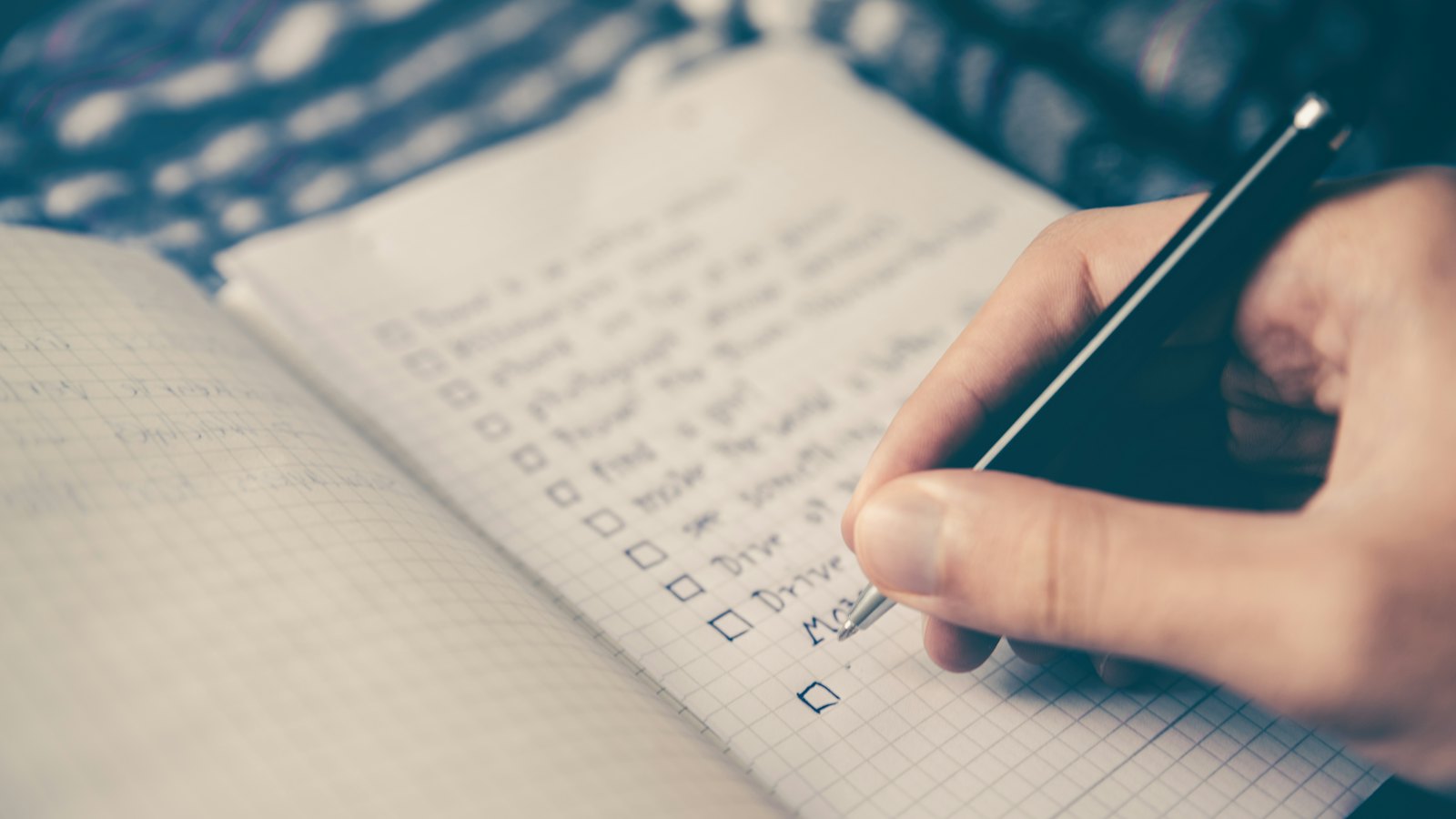
Tick accounts off a list as you go, so you do not miss any. A password manager's security check helps show which are still reused or weak. See moving to a password manager.
After the changes
- Watch for login alerts and codes you did not request.
- Check bank statements for unusual activity.
- Save new backup codes. See backup codes.
Received "password changed" emails you did not expect? Paste them into CyberWatch AI Scan for a free check, and check the account directly.
For the full process, see how to recover a taken-over account in our complete guide.
Frequently asked questions
Why does the order matter?
Because some accounts can reset others. If you change a bank password but the attacker still controls your email, they can reset the bank password again.
Should I change passwords from the same device?
Not if it may be infected. Malware can capture new passwords as you type them. Use a device you trust.
Do I need to change every password?
Prioritise the ones that matter and any you reused. Then work through the rest over the following days.
Sources
- Recovering a hacked account, UK National Cyber Security Centre
- Malware: How To Protect Against, Detect, and Remove It, US Federal Trade Commission
- Creating Strong Passwords and Other Ways To Protect Your Accounts, US Federal Trade Commission


