How to Verify a Caller Who Says They Are From Your Bank or Network
A caller says they are from your bank, mobile network or a government agency. The hang-up-and-call-back method, why caller ID cannot be trusted, and what real staff never ask.

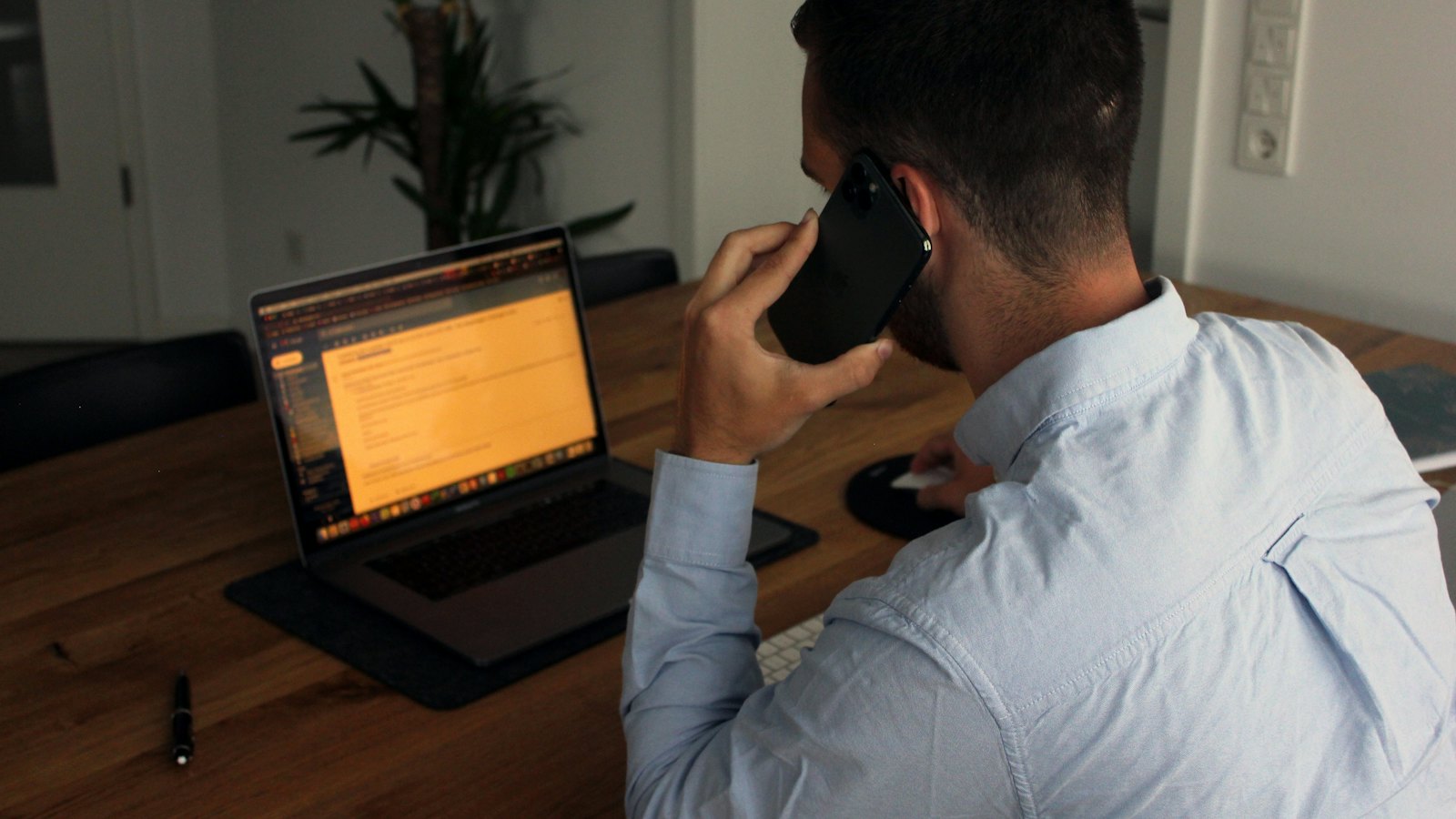
Your phone shows your bank's name. The caller is polite, knows your name and the last digits of your card, and says there is a problem with your account. It feels genuine. It may not be. Bank and mobile network impersonation calls are among the most damaging scams because they borrow the trust you place in the organizations that protect your money.
The good news: one simple method defeats them every time.
The method: hang up and call back
- End the call politely. "Thank you, I will call the bank back myself." You do not need to explain or argue.
- Find the number yourself: on the back of your card, on a statement, in the official app, or on the official website that you type in yourself.
- Call from a different phone if you can. If not, wait at least five minutes, or call someone you know first, to make sure the line has cleared.
- Ask whether anyone from the bank called you, and explain what was said.
If the call was genuine, the bank will know about it and pick up where things left off. If it was not, you have just stopped a scam.
Never call back on a number the caller gives you, and never use the "call back" button on a missed call or text from them. Always find the number independently.
Why caller ID proves nothing
Caller ID can be faked, a technique often called spoofing. Scammers can make your phone display a bank's real phone number or name. Some text messages can also appear in the same thread as genuine messages from your bank. What you see on the screen is not evidence of who is calling.
What real staff never ask
Banks, mobile networks and government agencies vary, but genuine staff will not ask you to:
- read out or forward a one-time code sent to your phone
- tell them your full PIN or online banking password
- move money to a "safe" or "holding" account
- install an app or give remote access to your phone or computer
- buy gift cards or crypto to settle anything
- keep the call secret from bank staff, family or the police
- request a SIM swap or approve a SIM change on your behalf
If a caller asks for any of these, it is a scam, however convincing everything else sounds.
Tricks callers use to stop you checking
- "Do not hang up or the payment will go through." A genuine bank can block a payment while you call back.
- "We have already sent you a text to prove it is us." The text may be the code they need.
- "Check the number on the back of your card, it matches." Caller ID can be spoofed to match.
- "Staff in your branch may be involved, so do not tell them." A classic isolation tactic.
- Transfers to a "supervisor" or "police officer" on the same call, to add authority.
- An unrequested "mandatory" upgrade with a same-day deadline.
- A request to read back a code, which could authorise a SIM swap or an account change.
- What to do: hang up and call your network's official customer service number. See our guide to SIM swap fraud.
Help older relatives do the same
Impersonation calls often target older people, who may be more used to trusting callers. Agree a simple rule together: "If anyone calls about money, we hang up and call each other, then the bank." A family code word can also help with calls claiming to be from a relative.
If you already shared something
Call your bank immediately on the official number, explain what happened and ask them to secure your account. Our guide on what to tell your bank after a scam has a script.
Received a text asking you to call a number? Paste it into CyberWatch AI Scan for a free check before you dial.
To check messages as well as calls, use our 60-second check. For the full picture, read our guide on how to identify and avoid online scams.
Frequently asked questions
The caller knew my name and account details. Does that mean it is real?
No. Personal details often come from data leaks or earlier phishing. Knowing about you does not prove who they are.
Is it rude to hang up on my bank?
No. Banks and official bodies encourage customers to hang up and call back on a known number. A genuine caller will understand.
Why should I call back from a different phone?
Some scammers keep the line open after you hang up, so when you dial the real number you are still connected to them. Using another phone, or waiting a few minutes, avoids this.
Sources
- How To Avoid a Scam, US Federal Trade Commission
- Phishing: spot and report scam emails, texts, websites and calls, UK National Cyber Security Centre
- ScamSmart, UK Financial Conduct Authority


