QR Code Phishing: The Link Your Email Filter Cannot Read
Attackers now hide phishing links inside QR codes, in emails, on posters and on parking meters. Here is why quishing slips past defences and how to check a code before you trust it.

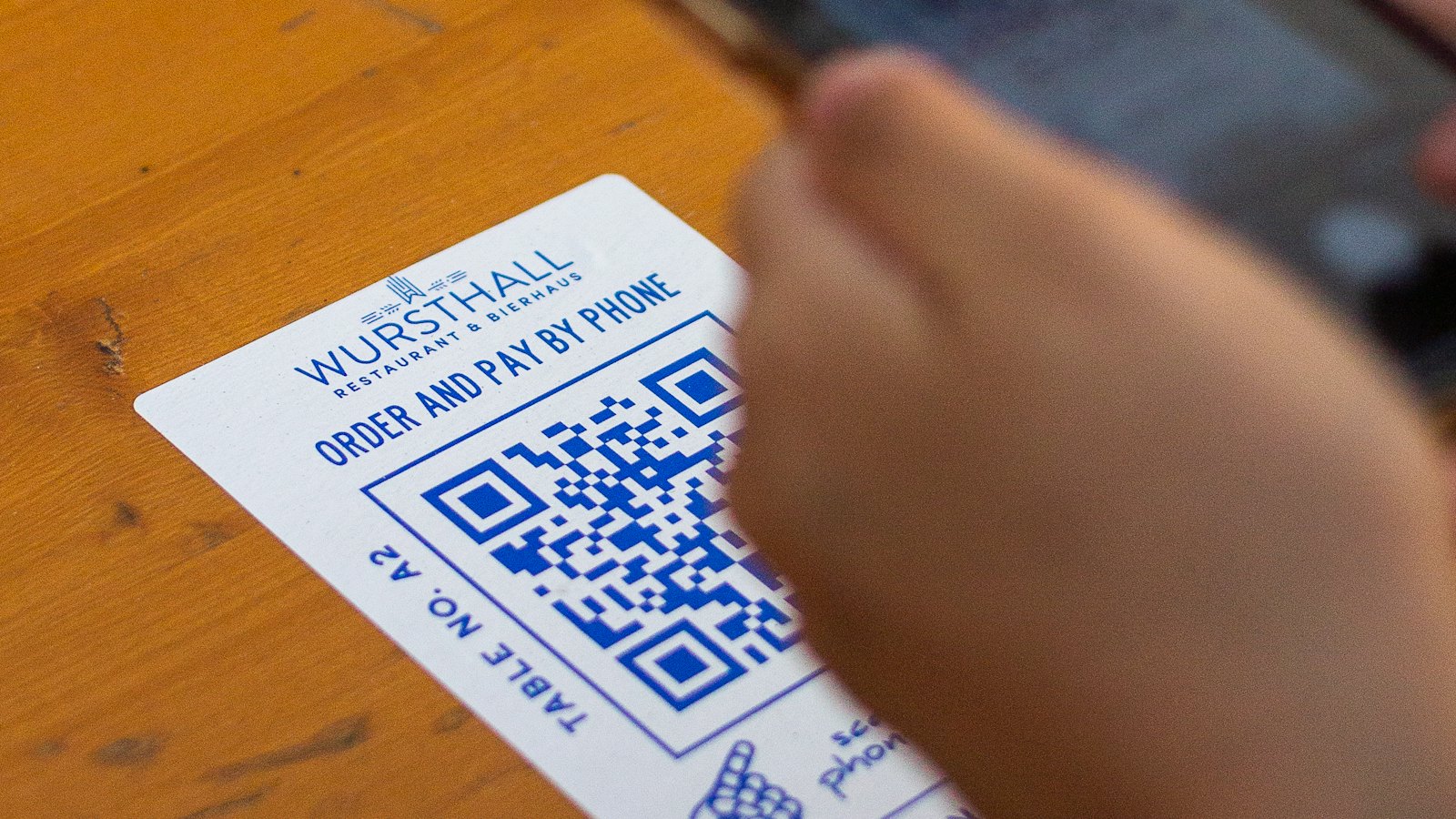
A QR code is a link you cannot read. That is what makes it convenient, and it is exactly what makes it useful to attackers. Phishing with QR codes, sometimes called quishing, has become a common way to get a malicious link past both security software and human suspicion.
Why QR codes work for attackers
- They hide the destination. You cannot hover over a QR code to see where it goes, the way you can with a link.
- They move the victim to a phone. The email arrives on a work laptop with security tools, but the code is scanned with a personal phone that may have none, and on a small screen the address is easy to miss.
- They can slip past email filters. A QR code is an image. Some filters check links in the text of an email but not links drawn inside a picture.
- They feel official. We are used to scanning codes for menus, payments and parcels without a second thought.
Where malicious codes appear
In email
A message warns that your multi-factor authentication must be re-enabled, a document is waiting for your signature, or your mailbox is almost full, and asks you to scan the code to continue. The page it opens is a copy of a real sign-in page, built to collect your password.
In the physical world
Stickers placed over genuine codes on parking meters, posters, restaurant tables and delivery notices lead to fake payment pages. A code on a flyer promising a prize or a discount can lead anywhere.
Red flag: an email that asks you to scan a code to sign in to a work account. Your organization's real systems let you sign in normally; there is rarely a reason to switch to your phone.
How to check a code before you trust it
- Read the address before opening it. Most phone cameras show the link first. Check the domain carefully, just as you would for any link.
- Be wary of codes in emails, especially ones that ask you to sign in, pay or confirm details.
- Look for stickers placed over printed codes in public places, and use the official app or website to pay instead.
- Never enter a password on a page you reached from a QR code unless you are certain of the address.
- Check it first. Copy the link and paste it into a checker such as CyberWatch AI Scan, which is free, before you open it.
For security teams: make sure employees know how to report a suspicious QR code email, and include QR examples in awareness training, because many people have never considered that a code can be malicious.
Why awareness matters here
Quishing is designed to route around technical controls, so the person holding the phone is often the last line of defence. CyberWatch AI helps organizations train staff on newer techniques like this one, gives every employee a quick way to check and report something suspicious, and shows administrators how reporting across the organization is improving.


