MFA Fatigue: Why Attackers Spam Your Staff With Login Approvals
Multi-factor authentication stops most stolen-password attacks, unless someone taps Approve. Here is how push-bombing works and how to make sure your staff never approve a login they did not start.

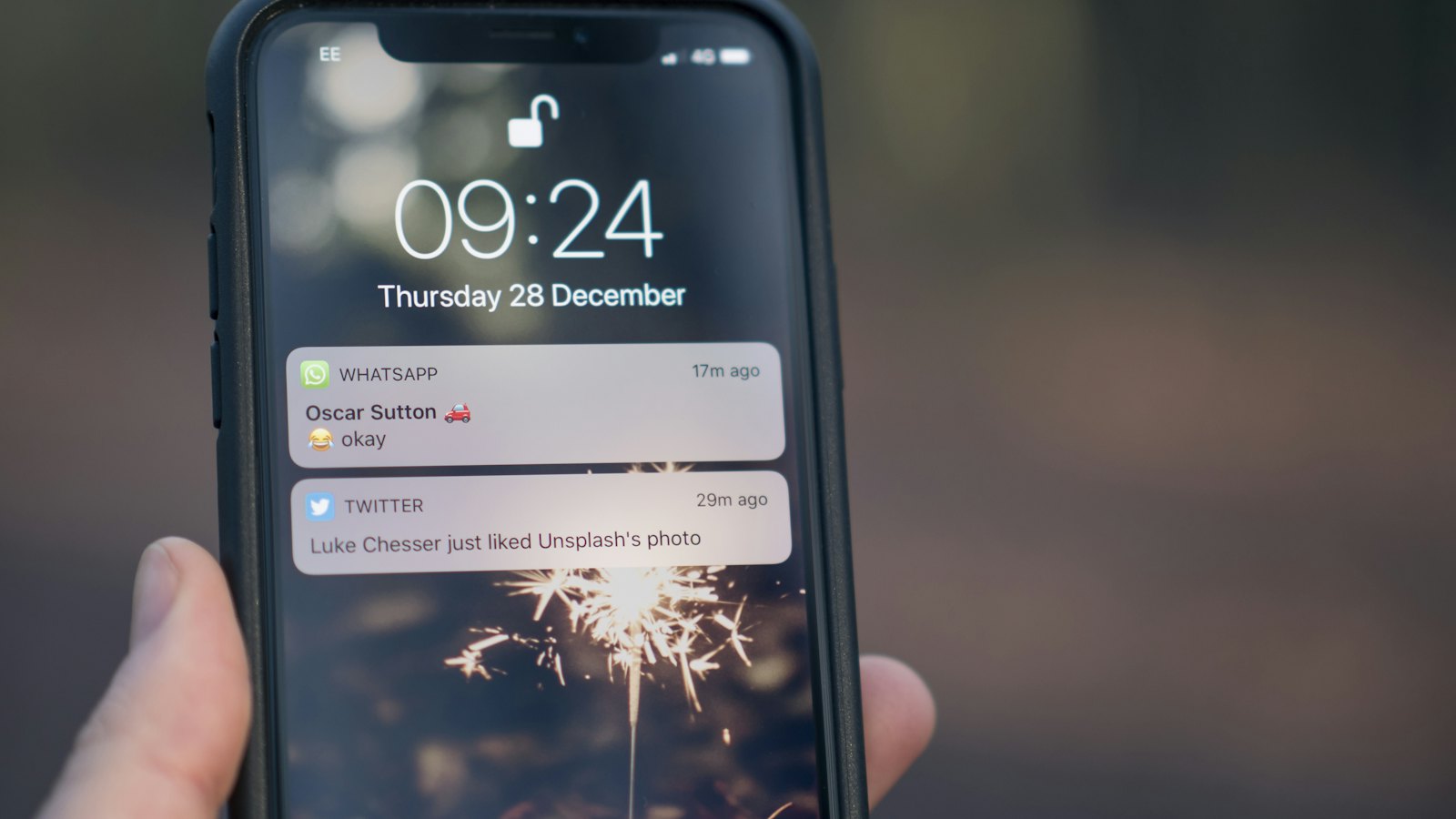
Multi-factor authentication is one of the best things an organization can turn on. A stolen password alone is no longer enough, because the attacker also needs the code or the approval from the employee's phone. So attackers have found a way to get the employee to give it to them.
How an MFA fatigue attack works
The attacker already has a password, usually from an earlier phishing email or a leak from another website. They try to sign in, and the employee's phone asks: Are you trying to sign in? The employee taps Deny. The attacker tries again. And again. Twenty, fifty, a hundred times, often late at night.
Eventually one of three things happens. The employee taps Approve by mistake, taps it to make the notifications stop, or receives a message from someone claiming to be IT support saying the prompts are a system fault and approving one will fix it. This combination of push spam and a message pretending to be IT was reported in the breach of Uber in 2022.
The rule every employee needs to know: a login approval you did not start is never a glitch. It means someone has your password. Deny it, and tell your security team straight away.
Signs of an attack in progress
- Repeated approval requests when you are not signing in to anything
- Prompts at unusual hours, or showing a location you do not recognise
- A call, text or WhatsApp message from "IT" asking you to approve a prompt
- A code arriving by text that you did not request
What to do if it happens
- Deny every prompt you did not start.
- Change your password immediately, because the attacker has it.
- Report it to your security team, even if you denied everything. They need to know the password is compromised.
- If you approved one by mistake, say so at once. The faster the session is revoked, the less damage is done.
How organizations can shut the door
- Use number matching, where the user must type a number shown on the login screen. A prompt cannot be approved blindly.
- Limit repeated prompts and alert the security team when many are denied in a row.
- Move high-risk accounts to phishing-resistant methods, such as security keys or passkeys, starting with administrators and finance.
- Tell staff plainly that IT will never ask them to approve a login prompt.
Reporting beats silence. An employee who denies fifty prompts and says nothing has protected one login. An employee who reports it lets the security team reset the password and protect the whole account.
Building the habit
MFA fatigue works because an unexpected prompt feels like a technical annoyance rather than an attack. Short, practical training changes that. CyberWatch AI gives employees brief lessons on attacks like this one, a one-step way to report anything suspicious to their security team, and gives administrators a clear view of who is reporting and who is not.


