How to Check if a Website is Fake or Legit (2026 Guide)
Scammers build fake websites that look exactly like real ones. Learn the 10 signs of a fake website and how to verify any site before entering your details.

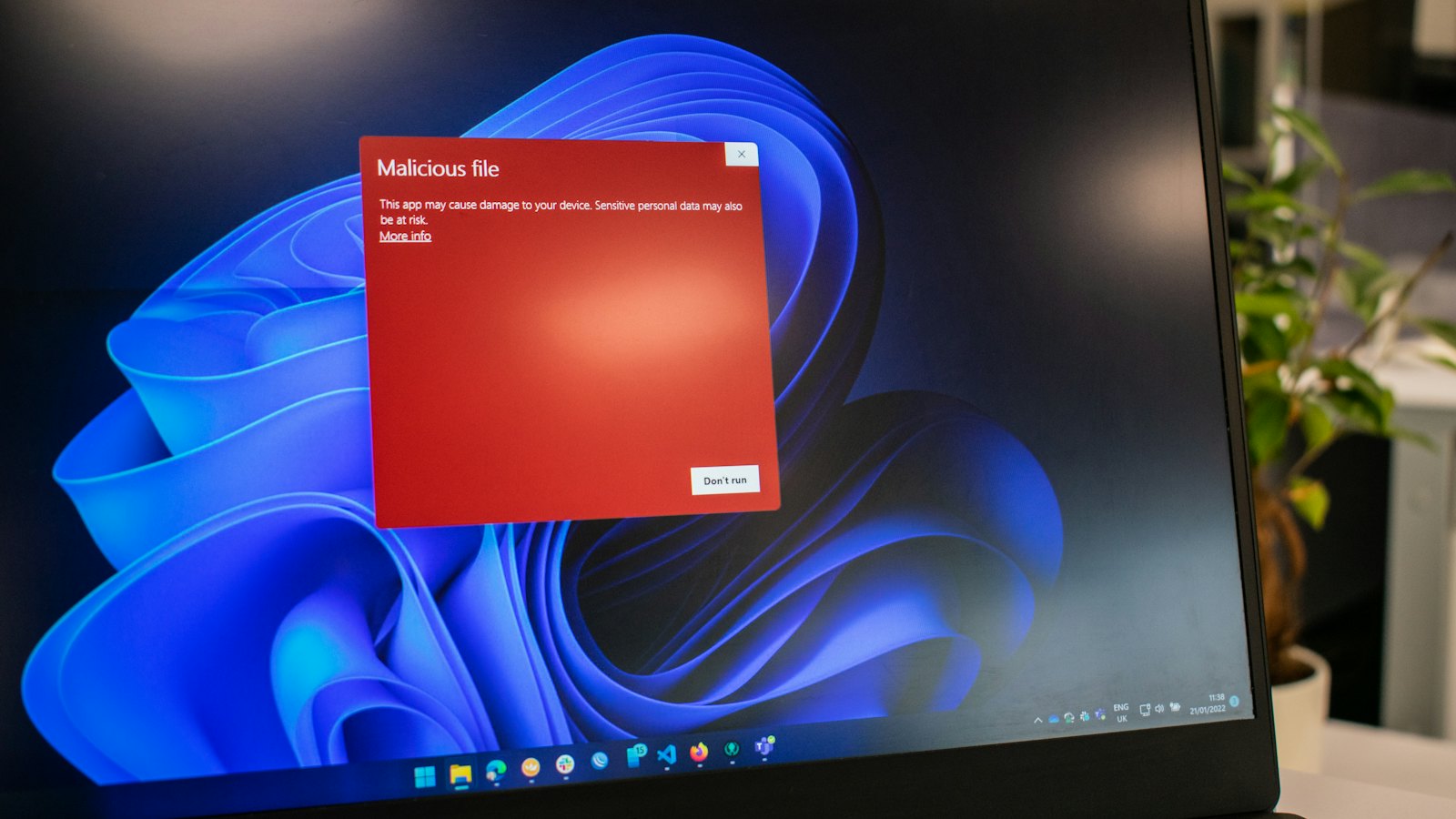
Every day, thousands of fake websites are created to steal money and personal information. Some look so convincing that even tech-savvy people get fooled. In 2025 alone, fake websites caused over $10 billion in losses worldwide.
Whether you're shopping online, clicking a link from an email, or visiting a site someone sent you on WhatsApp, this guide will teach you exactly how to spot a fake website before it's too late.
10 Signs a Website Might Be Fake
1. The URL Looks Slightly Off
Scammers register domains that look almost identical to real ones. Look closely:
- paypa1.com instead of paypal.com (number 1 instead of letter l)
- amazon-delivery.net instead of amazon.com
- mtn-momo-bonus.netlify.app — a real brand would never use a free hosting subdomain
Always check the full domain name in your browser's address bar before entering any details.
Red flag: If the URL has extra words, numbers, or hyphens added to a brand name, it's almost certainly fake.
2. No HTTPS or Padlock Icon
Legitimate websites use HTTPS (the padlock icon in your browser). However — and this is important — a padlock does NOT mean a site is safe. Scammers also use HTTPS. It just means the connection is encrypted, not that the site is legitimate.
3. The Design Looks Wrong
Fake websites often have blurry logos, mismatched colours, inconsistent fonts, or broken layouts. Compare the site carefully with the real brand's website if you're unsure.
4. Contact Details Are Missing or Fake
Legitimate businesses have real contact information — a physical address, phone number, and professional email. If the only contact option is a Gmail or Yahoo address, that's a serious red flag.
5. Prices Are Unrealistically Low
A brand new iPhone for $50? Designer shoes for $15? If the price seems impossible, it is. Fake shopping sites lure victims with extreme discounts, take payment, and deliver nothing.
6. The Domain Was Registered Recently
Most scam websites are created days or weeks before they're used. You can check a domain's age using WHOIS lookup tools. A site claiming to be an established company but registered last month is suspicious.
7. Pop-ups and Urgency Tactics
Fake sites often use aggressive pop-ups: "Only 2 left!", "Offer expires in 00:03:22!", "You've been selected!" These are pressure tactics designed to stop you from thinking clearly.
8. No Reviews or Only Perfect Reviews
Check for the website on Trustpilot, Google Reviews, or Reddit. No reviews at all, or suspiciously perfect 5-star reviews with generic text, are both red flags.
9. Payment Methods Are Unusual
Legitimate shops accept credit cards and PayPal. If a site only accepts wire transfers, cryptocurrency, or mobile money — and won't take cards — be very careful. These payment methods offer no buyer protection.
10. The Privacy Policy Is Missing or Generic
A real business has a proper, specific privacy policy. If the privacy policy is missing, has placeholder text, or is clearly copied from another site, treat the entire website as suspicious.
How to Verify Any Website in Seconds
Rather than manually checking all of the above, you can paste any website URL into CyberWatch AI. Our AI analyses the domain, checks for phishing signals, examines the URL structure, and gives you an instant risk score — all for free.
Safe browsing habit: Before entering your card details or personal information on any website, paste the URL into CyberWatch AI first. It takes 5 seconds and could save you thousands.
What to Do If You've Already Visited a Suspicious Site
- Don't enter any information — close the tab immediately
- If you entered a password — change it immediately on the real site and any other site where you use the same password
- If you entered card details — call your bank immediately and request a new card
- Run a virus scan — some fake sites install malware just by visiting them
- Report the site — to Google Safe Browsing at safebrowsing.google.com/safebrowsing/report_phish/
The Bottom Line
Fake websites are getting more convincing every year. The best defence is to slow down, check before you click, and use tools like CyberWatch AI to verify anything you're unsure about. A few seconds of caution can prevent months of financial and emotional damage.


