Dual Approval for Payments: Setting It Up
Requiring two people to approve payments stops many frauds and mistakes. How to set up dual approval in business banking, choose thresholds and handle absences.


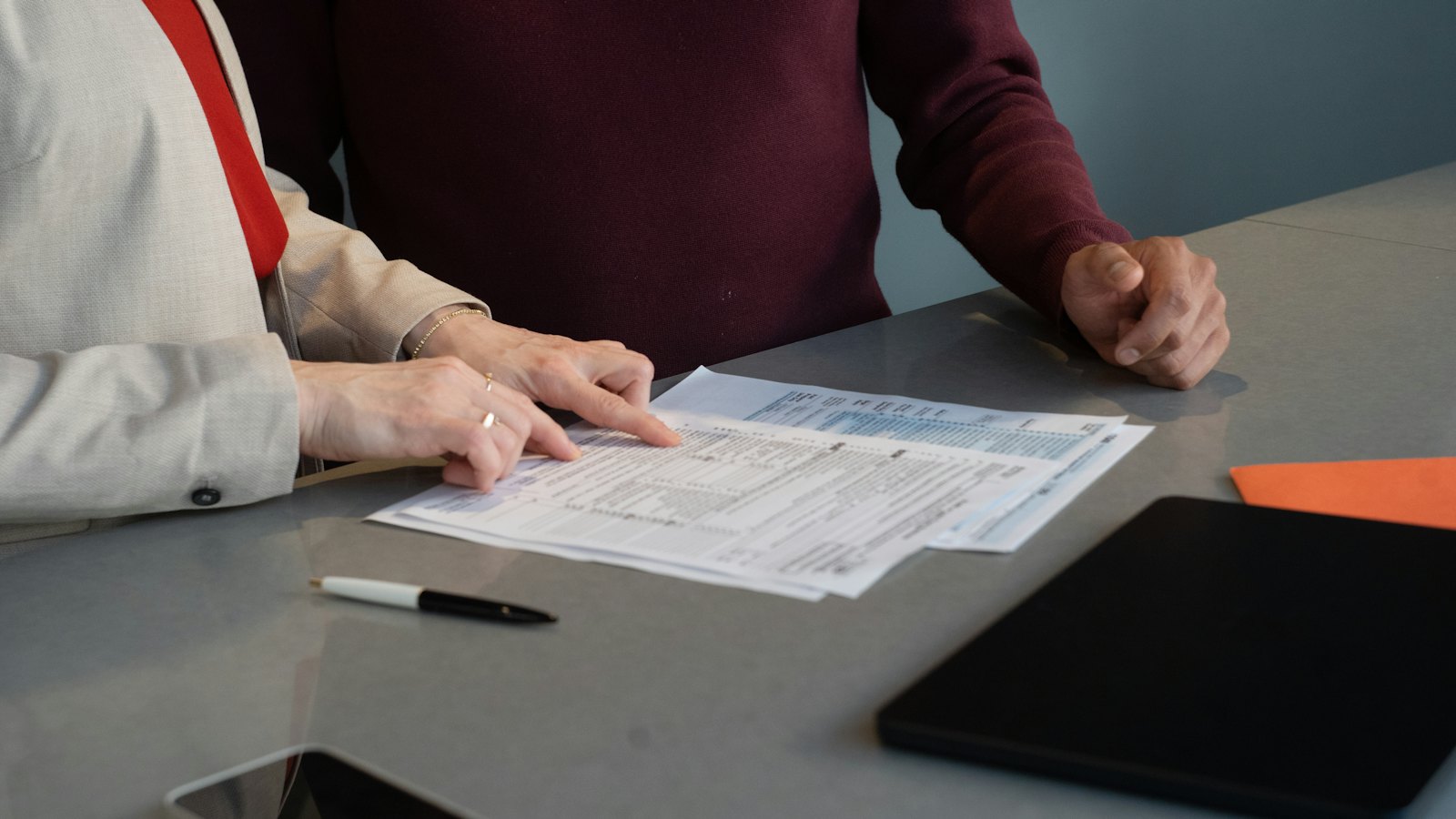
Dual approval means one person prepares a payment and a second person approves it. It catches honest mistakes, slows down pressured decisions, and means a fraudster has to fool two people instead of one.
Setting it up
- Ask your bank which approval features your business account supports.
- Create separate logins for each person. Never share one login.
- Set roles: who can create payments and who can approve them.
- Set a threshold above which a second approval is required.
- Require approval for every new payee or changed bank details, regardless of amount.
What approvers should check
- Is there an invoice or order that matches?
- Has any bank change been verified by phone? See payment verification.
- Is the request unusual, urgent or secret?
Handling absences
- Name deputy approvers in advance.
- Do not share passwords or approval devices when someone is away.
- Keep emergency processes written down.
Small teams can still do this. Even a two-person business can require both people to agree on new payees.
For more, see our guide to business cybersecurity.
Frequently asked questions
Does my bank support dual approval?
Many business banking services offer approval workflows or multiple user roles. Ask your bank what is available.
What threshold should we use?
Set it where a single loss would really hurt, and require dual approval for all new payees regardless of amount.
What if one approver is away?
Name a deputy approver in advance, rather than switching controls off.
Sources
- Cybersecurity for Small Business, US Federal Trade Commission
- Small organisations guide to cyber security, UK National Cyber Security Centre
- Take Five to Stop Fraud, Take Five (UK Finance)