Deleting Old Online Accounts to Reduce Risk
Every forgotten account is another place your data can leak from. How to find old accounts, decide what to keep, and close the rest properly.

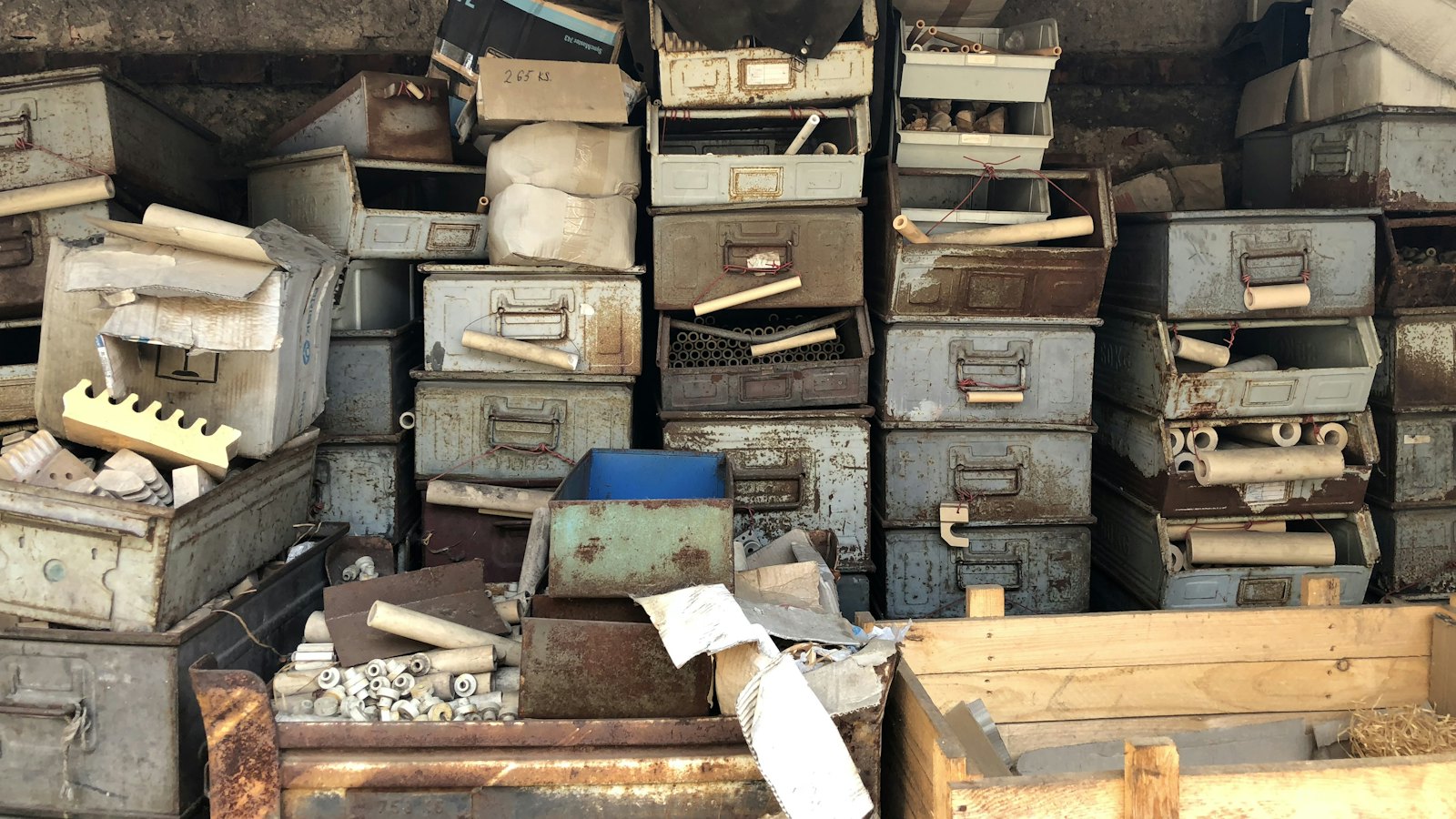
The average person has dozens, sometimes hundreds, of online accounts: shops used once, apps tried and abandoned, forums, loyalty schemes. Each holds some personal data and often an old, reused password. You cannot stop companies being breached, but you can reduce how many hold your data. Closing old accounts is one of the simplest ways.
How to find old accounts
- Search your email for "welcome", "confirm your email", "verify your account", "your order" and "unsubscribe".
- Check saved passwords in your password manager and browser.
- Review "Sign in with" connections in your Google, Apple and Facebook settings. See connected apps.
- Check breach services: breaches listed for your email often reveal forgotten accounts. See checking breaches.
- Look through old phones and app store purchase histories.
Decide: keep, secure or delete
| Keep and secure | Delete |
|---|---|
| Accounts you use regularly | Shops you used once |
| Accounts with records you need (tax, health, purchases) | Apps and games you abandoned |
| Accounts linked to important services | Old forums and social networks |
| Duplicate accounts you made by mistake |
How to delete properly
- Log in, using a password reset if needed.
- Download anything you want to keep.
- Remove saved cards and addresses.
- Find the delete or close option, usually under account, privacy or settings. If you cannot find it, search the service's help pages for "delete account".
- Request data deletion if your country's privacy law gives you that right.
- Remove the saved password from your password manager, or note it as closed.
Cannot delete it? At least change the password to a unique one, remove payment details, and turn off marketing.
Be careful with deletion emails
Scammers send fake "your account will be deleted" messages to get you to log in on fake pages. Always go to the site yourself.
Got an account deletion warning? Paste it into CyberWatch AI Scan for a free check.
For more, see what to do after a data breach in our identity and account security guide.
Frequently asked questions
How do I find accounts I have forgotten?
Search your email for words like 'welcome', 'verify your email' and 'your account', check saved passwords in your password manager and browser, and review apps connected to your Google, Apple or Facebook sign-in.
Does deleting an account remove my data?
It should start deletion, but some companies keep certain data for a time for legal reasons. In many countries you can also request deletion under privacy law.
What if I cannot log in to an old account?
Use the password reset option. If the email or phone is no longer yours, contact the service's support, or at least remove any payment details if you can.
Sources
- Protect Your Personal Information From Hackers and Scammers, US Federal Trade Commission
- Data protection: information for individuals, European Commission
- Have I Been Pwned, Troy Hunt


