Calendar Invite Phishing
Phishing can arrive as a calendar invite that appears in your calendar even if you ignore the email. How calendar phishing works and settings that reduce it.

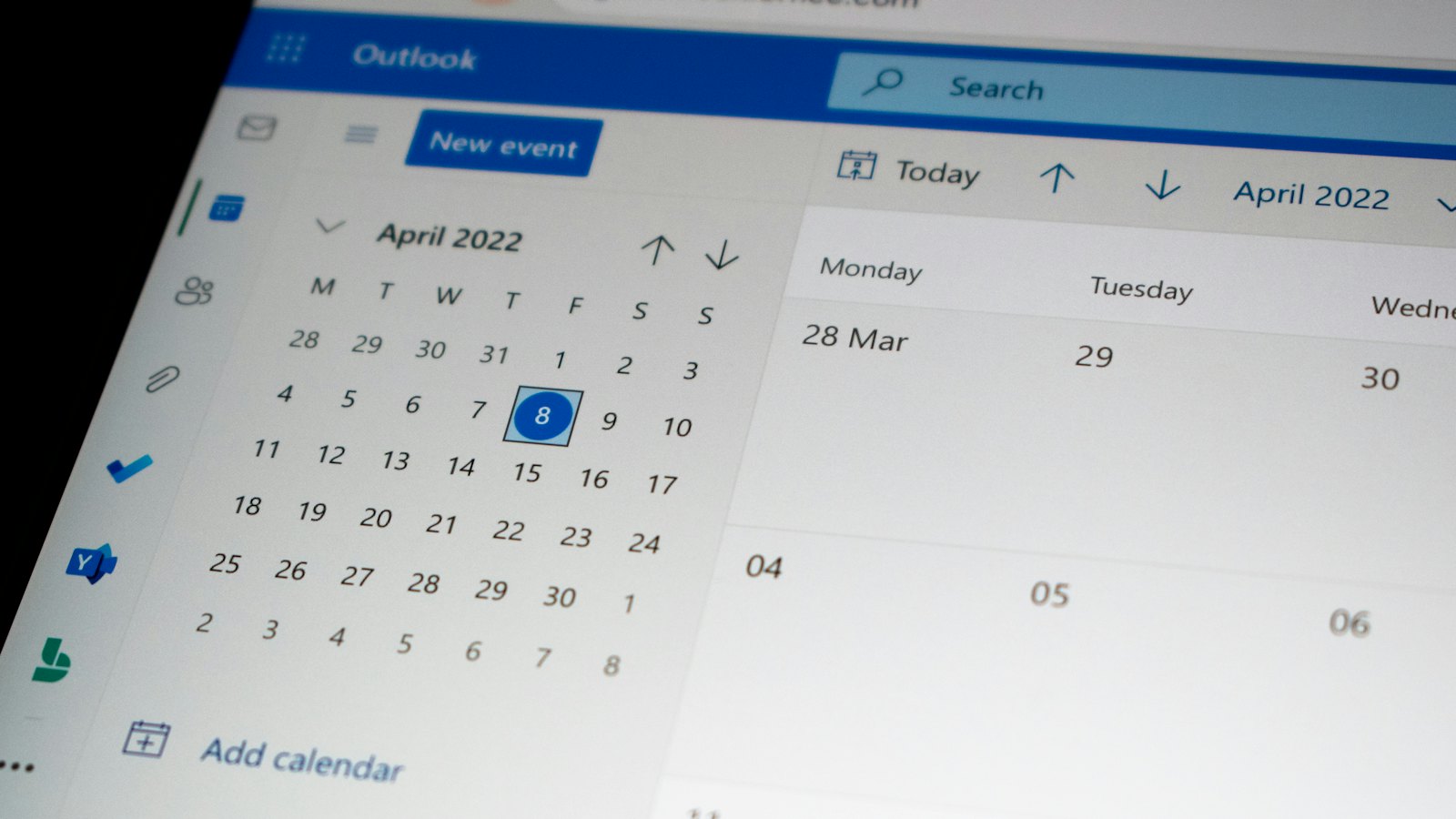
Calendar invites are trusted: they come from meetings, colleagues and clients. Phishers send fake invites that carry links to fake sign-in pages, fake prizes or crypto scams. Some calendars add invites automatically, so the phishing shows up in your schedule even if you never opened the email.
Common calendar phishing
- "Payment confirmation" or "Account review" meetings with a link.
- Fake meeting invites from "HR" or "the CEO" with a link to join.
- Prize or crypto offers appearing as all-day events.
- Shared document links in the invite description.
How to handle suspicious invites
- Do not click links in invites from unknown senders.
- Delete or report the invite rather than declining, where your app allows.
- For invites that seem to be from colleagues, check with them.
Settings that help
- Change calendar settings so invites are only added automatically from known senders, or only after you accept.
- Report calendar spam through your provider's report option.
Setting names vary; search your calendar app's help for "automatically add invitations".
Meeting links you expect from people you work with are normal. The warning signs are strangers, urgency, and requests to sign in or pay.
Got a strange invite? Paste its text into CyberWatch AI Scan for a free check.
For more, see how phishing works in our complete guide.
Frequently asked questions
Why did an invite appear in my calendar automatically?
Some calendar settings add invitations automatically, even from unknown senders. You can usually change this to only show invites from known senders or ones you accept.
Should I decline a spam invite?
Declining can confirm your address is active. Where possible, delete or report it instead.
Are meeting links in invites safe?
Links in invites from people you know and expect are usually fine. Be careful with invites from strangers or with sign-in or payment links.
Sources
- Suspicious email actions, UK National Cyber Security Centre
- How To Get Less Spam in Your Email, US Federal Trade Commission
- How To Recognize and Avoid Phishing Scams, US Federal Trade Commission


