Blocking and Filtering Spam Texts
How to cut down scam and spam texts on iPhone and Android: filter unknown senders, block numbers, turn on spam protection, use carrier tools and report what gets through.

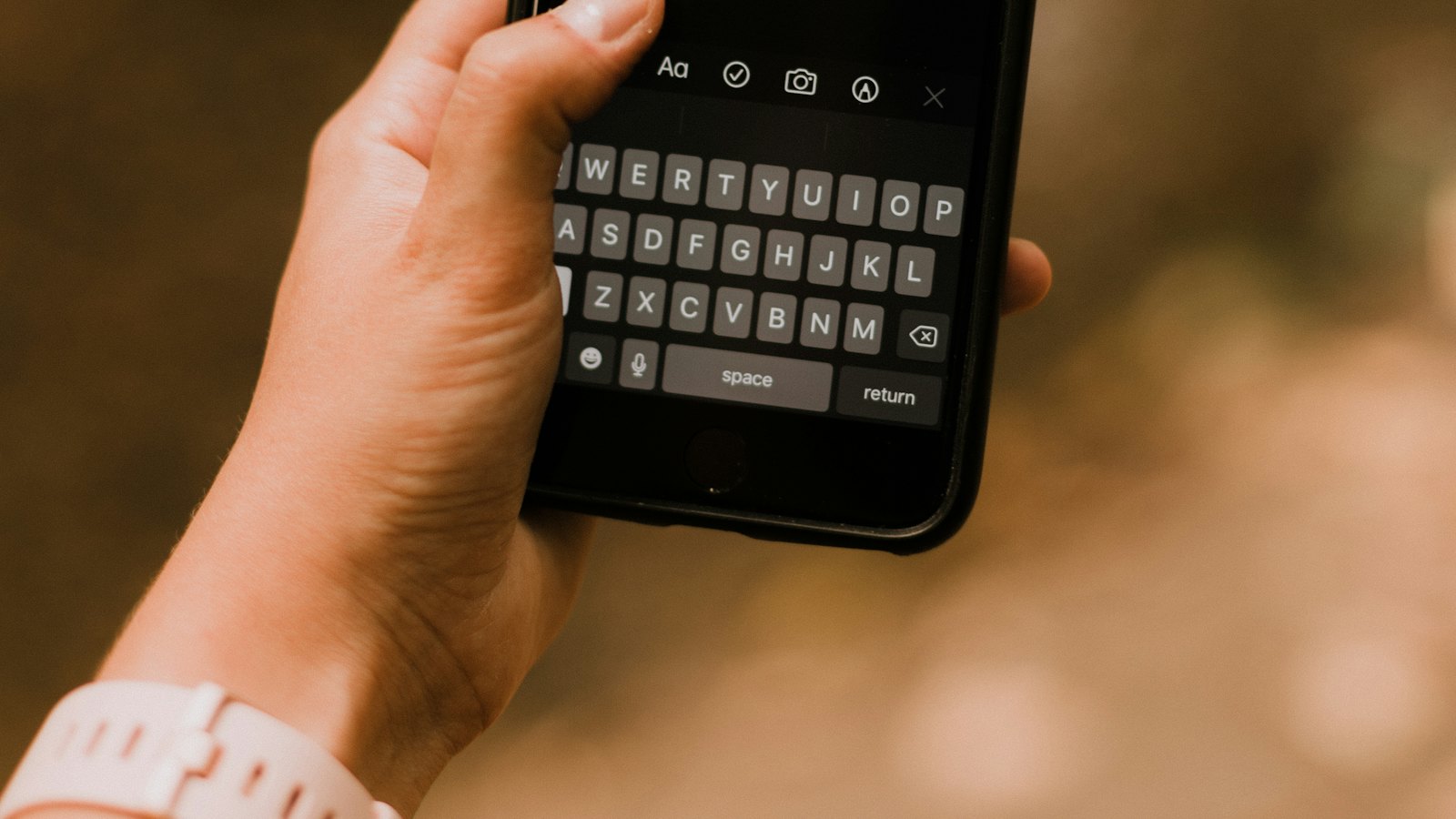
You cannot stop every scam text, but you can cut them down a lot and make the ones that get through easier to ignore. Here are the settings and tools worth turning on.
On iPhone
- Filter unknown senders: in Settings, then Messages (or Apps, then Messages), turn on filtering for unknown senders so they go to a separate list.
- Report junk: use "Report Junk" on messages from unknown senders.
- Block: tap the sender's details and choose block.
On Android
- Spam protection: in Google Messages settings, turn on spam protection.
- Block and report: press and hold a conversation and choose block and report spam.
- Other messaging apps have similar options; menu names vary by manufacturer.
Network tools
- Many mobile networks offer free spam filters or block lists; check the network's app or website.
- Some offer blocking of premium or international numbers.
Reduce exposure
- Never reply, including "stop", to scam texts.
- Keep your number off public profiles where possible. See how scammers get your number.
- Report scam texts so networks can block them. See how to report scam texts.
Filters are not perfect. Some scams will still reach you, and some genuine texts may be filtered. Check the filtered list now and then.
Something got through? Paste it into CyberWatch AI Scan for a free check.
For more, see phishing by email, SMS and phone in our complete guide.
Frequently asked questions
Will blocking one number stop scam texts?
Only from that number. Scammers change numbers constantly, so filters and reporting are more effective than blocking alone.
Will filtering unknown senders hide important texts?
Filtered texts go to a separate list, not deleted. Check it occasionally for genuine messages such as delivery codes.
Can my mobile network block spam?
Many networks offer free spam filtering or blocking tools. Check your network's app or website.
Sources
- How To Recognize and Report Spam Text Messages, US Federal Trade Commission
- How To Block Unwanted Calls, US Federal Trade Commission
- Phishing: spot and report scam emails, texts, websites and calls, UK National Cyber Security Centre


